Selecting Icons
You use the Selection button, the left button on the mouse, to select icons and
other features. Icons are the picture symbols on the screen. They can represent
tools, projects, drawers or disks. When you want
to
use the item represented by
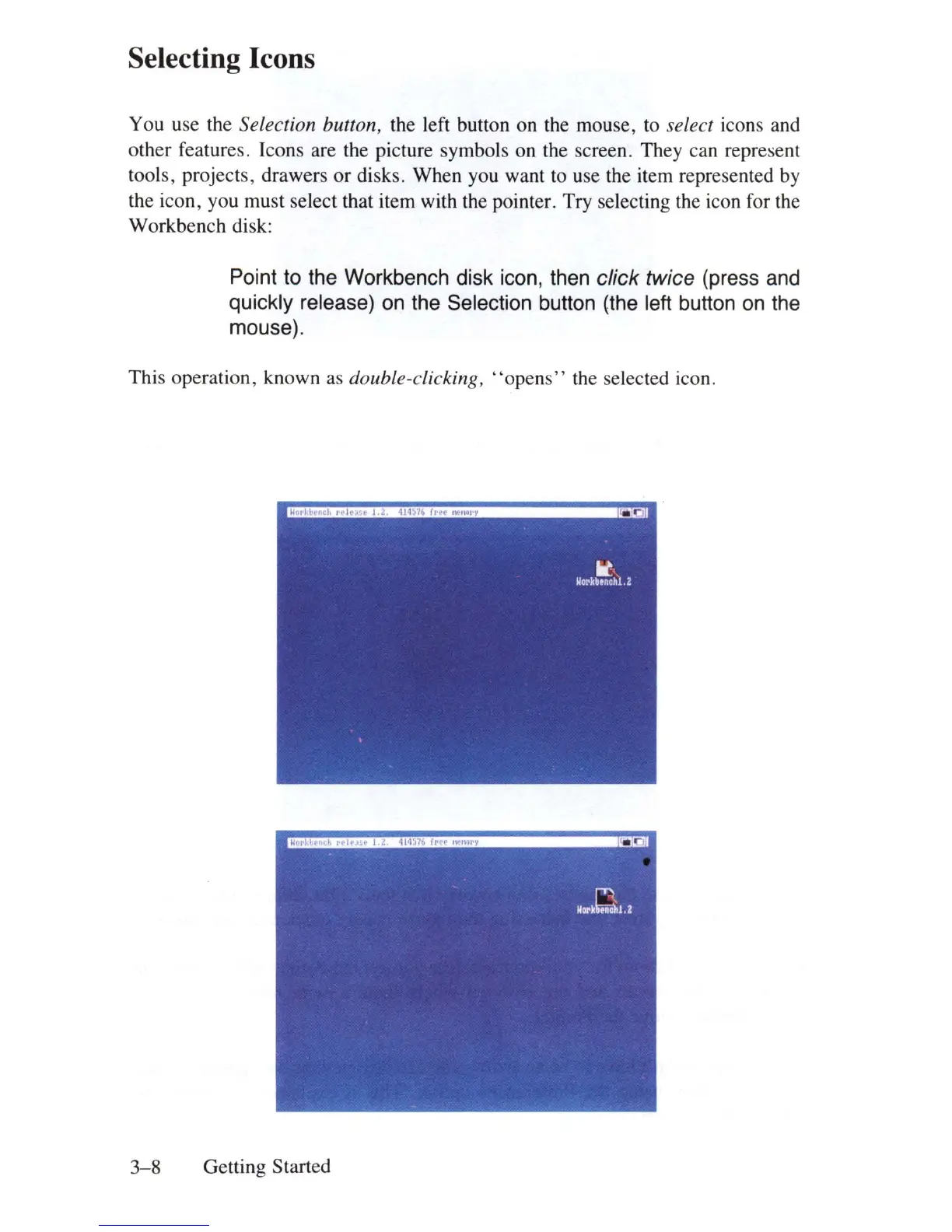
the icon, you must select that item with the pointer. Try selecting the icon for the
Workbench disk:
Point to the Workbench disk icon, then click twice (press and
quickly release) on the Selection button (the left button
on
the
mouse).
This operation, known
as
double-clicking,
"opens"
th
e selected icon.
3-8
Getting Started















 To Next Page