The icon for the Workbench
di
sk is highlighted at the first pre
ss
of
the mouse
button, to indicate that it's selected.
There are times when you double-click on
an
icon, but must wait for the
Workbench to finish
an
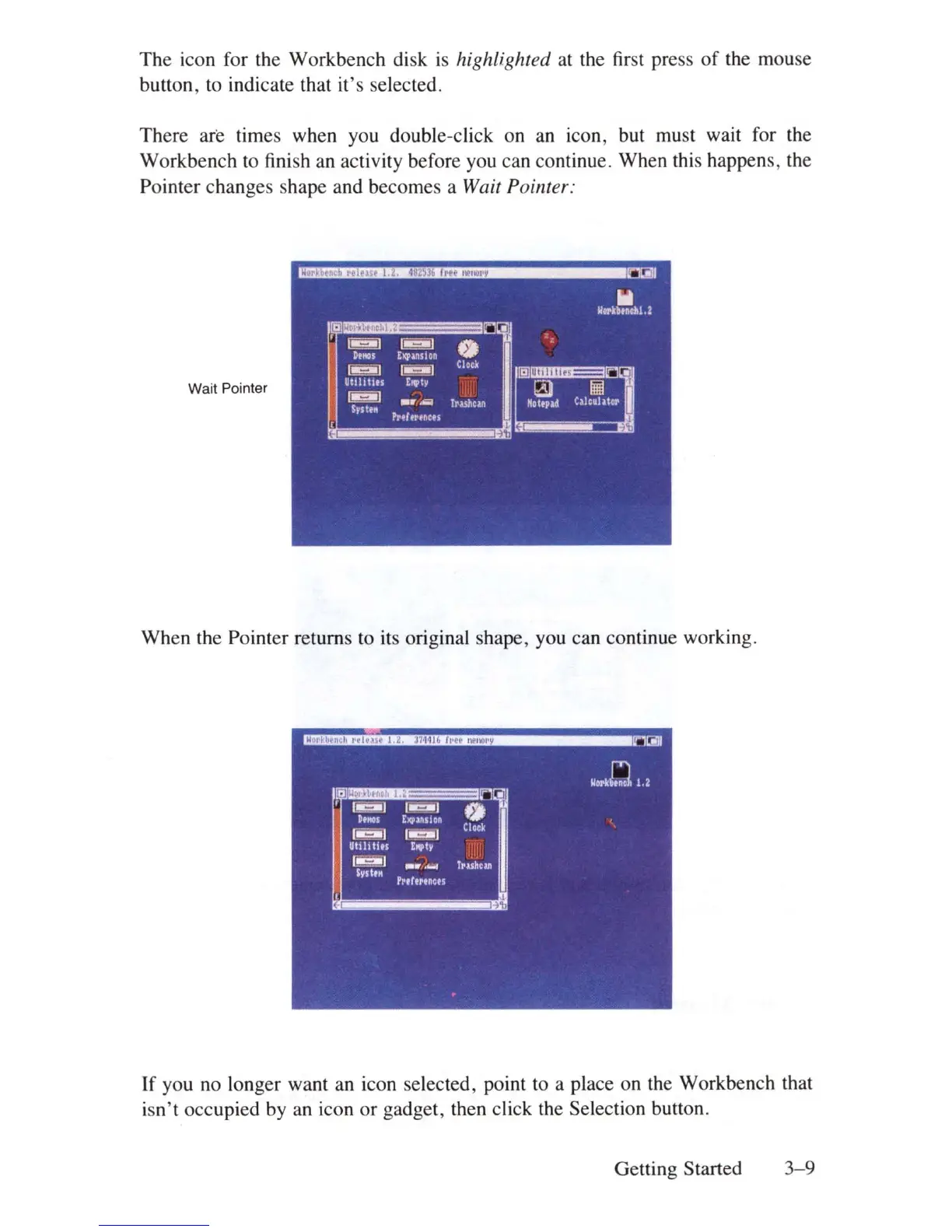
activity before you can continue. When this happens, the
Pointer changes shape and becomes a Wait Pointer:
Wait Pointer
When the Pointer returns to its original shape, you can continue working.
If you no longer want an icon selected, point to a place on the Workbench that
isn
't
occupied by an icon or gadget, then click the Selection button.
Getting Started
3-9















 To Next Page