Saving an Icon
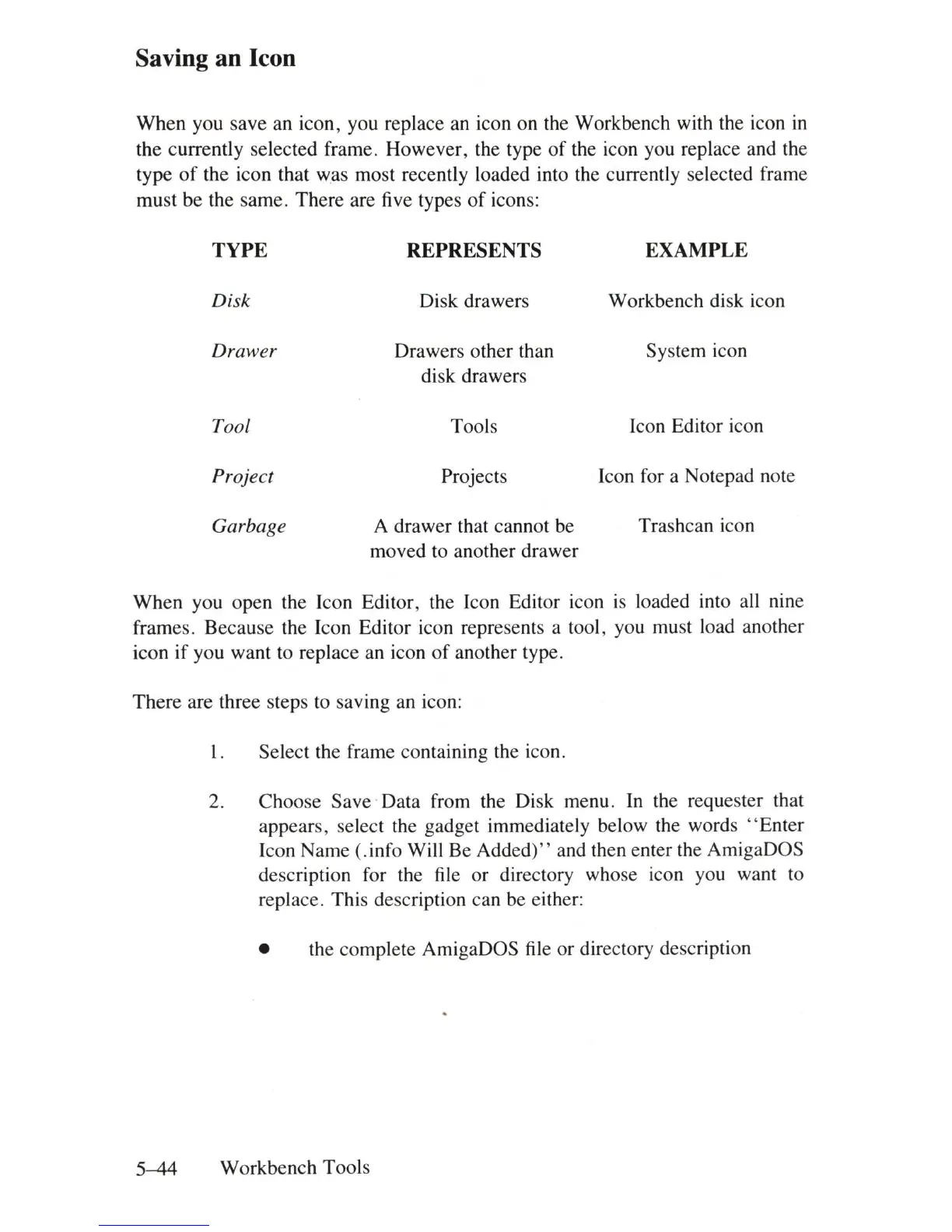
When you save an icon, you replace an icon on the Workbench with the icon
in
the currently selected frame. However, the type
of
the icon you replace and the
type
of
the icon that was most recently loaded into the currently selected frame
must be the same. There are five types
of
icons:
TYPE
REPRESENTS
EXAMPLE
Disk
Disk drawers Workbench disk icon
Drawer
Drawers other than System icon
disk drawers
Tool
Tools Icon Editor icon
Project
Projects Icon for a Notepad note
Garbage
A drawer that cannot be Trashcan icon
moved to another drawer
When you open the Icon Editor, the Icon Editor icon
is
loaded into all nine
frames. Because the Icon Editor icon represents a tool , you must load another
icon
if
you want to replace an icon
of
another type.
There are three steps to saving an icon:
1. Select the frame containing the icon.
2. Choose Save ' Data from the Disk menu.
In
the requester that
appears, select the gadget immediately below the words
"Enter
Icon Name (.info Will Be
Added)"
and then enter the AmigaDOS
description for the file or directory whose icon you want to
replace. This description can be either:
• the complete AmigaDOS
file
or directory description
5-44
Workbench Tools















 To Next Page