The Calculator Keys
In
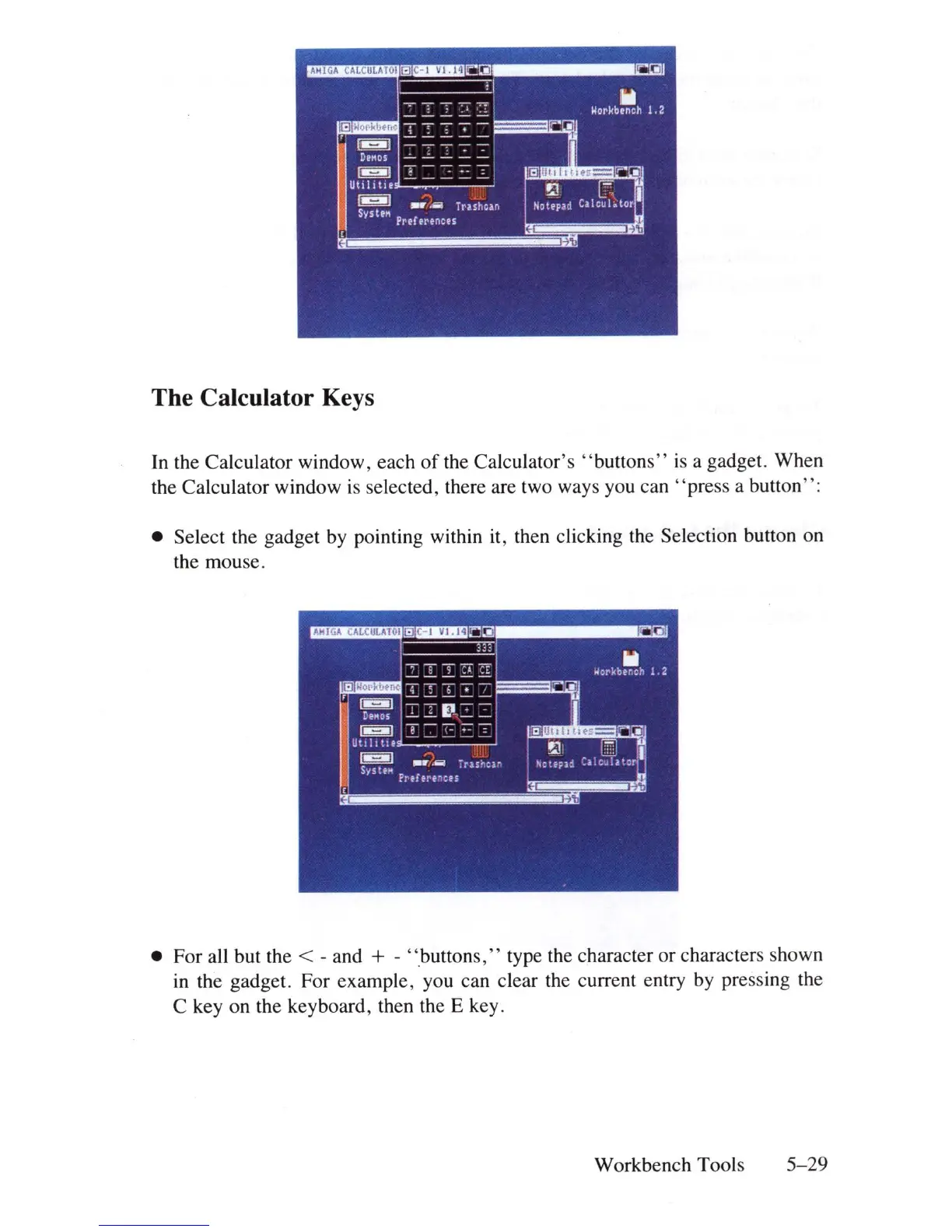
the Calculator window, each
of
the Calculator's
"buttons"
is
a gadget. When
the Calculator window
is
selected, there are two ways you can
"press
a button":
• Select the gadget
by
pointing within it, then clicking the Selection button on
the mouse.
• For all but the
< - and + - "buttons," type the character or characters shown
in
the gadget. For example, you can clear the current entry by pressing the
C key on the keyboard, then the E key.
Workbench Tools
5-29















 To Next Page