Displaying the Seconds
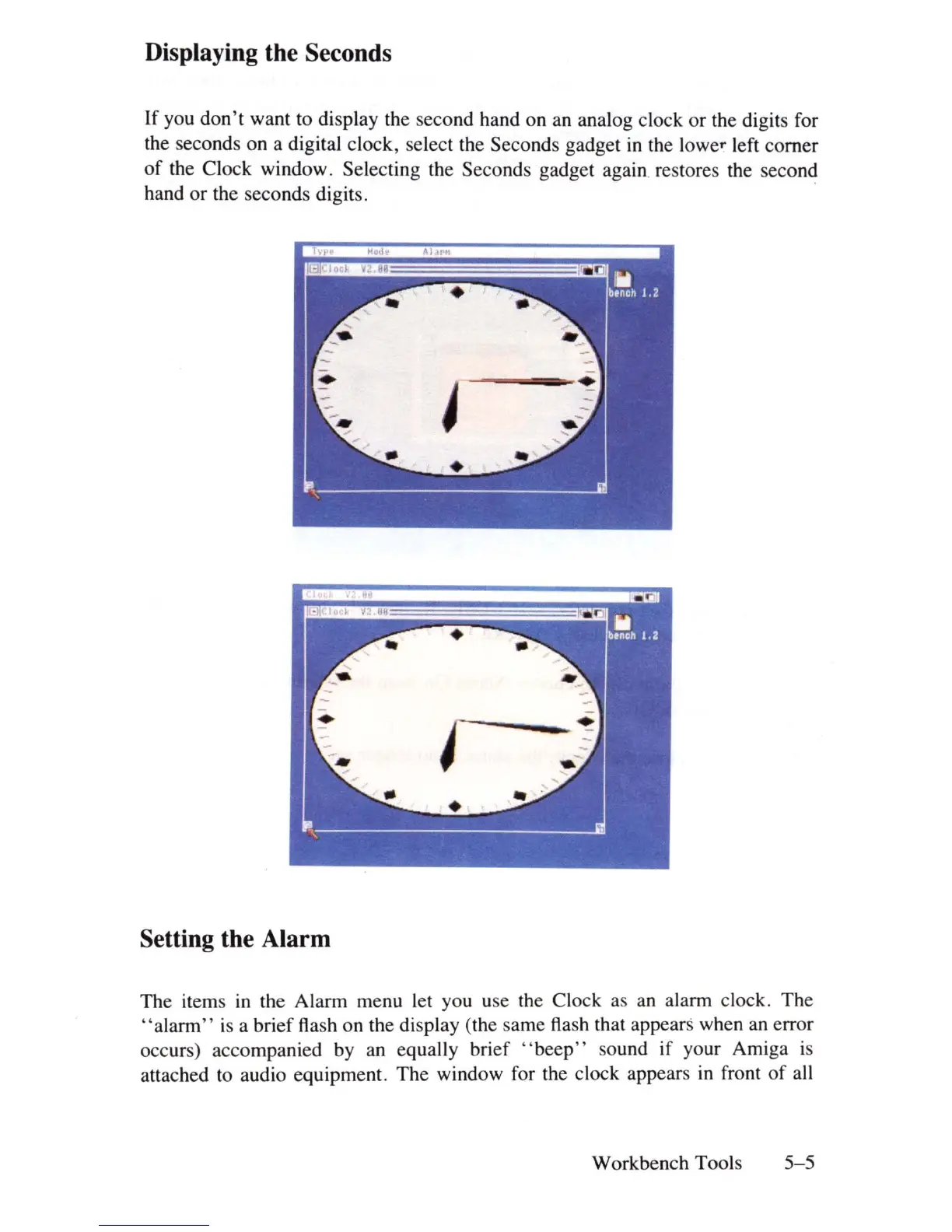
If you don't want to display the second hand on
an
analog clock or the digits for
the seconds on a digital clock, select the Seconds gadget
in
the lower left corner
of
the Clock window. Selecting the Seconds gadget again. restores the second
hand or the seconds digits. .
Setting the Alarm
The items
in
the Alarm menu let you use the Clock as an alarm clock. The
"alarm"
is
a brief flash on the display (the same flash that appears when an error
occurs) accompanied by
an
equally brief " beep" sound if
yo
ur Amiga
is
attached to audio equipment. The window for the clock appears
in
front
of
all
Workbench Tools
5-5















 To Next Page