Find Pre v
Once the occurrence
of
a character or group
of
characters has been located using
the Find command, you can find the previous occurrence by selecting Find Prev
from the menu.
Replace
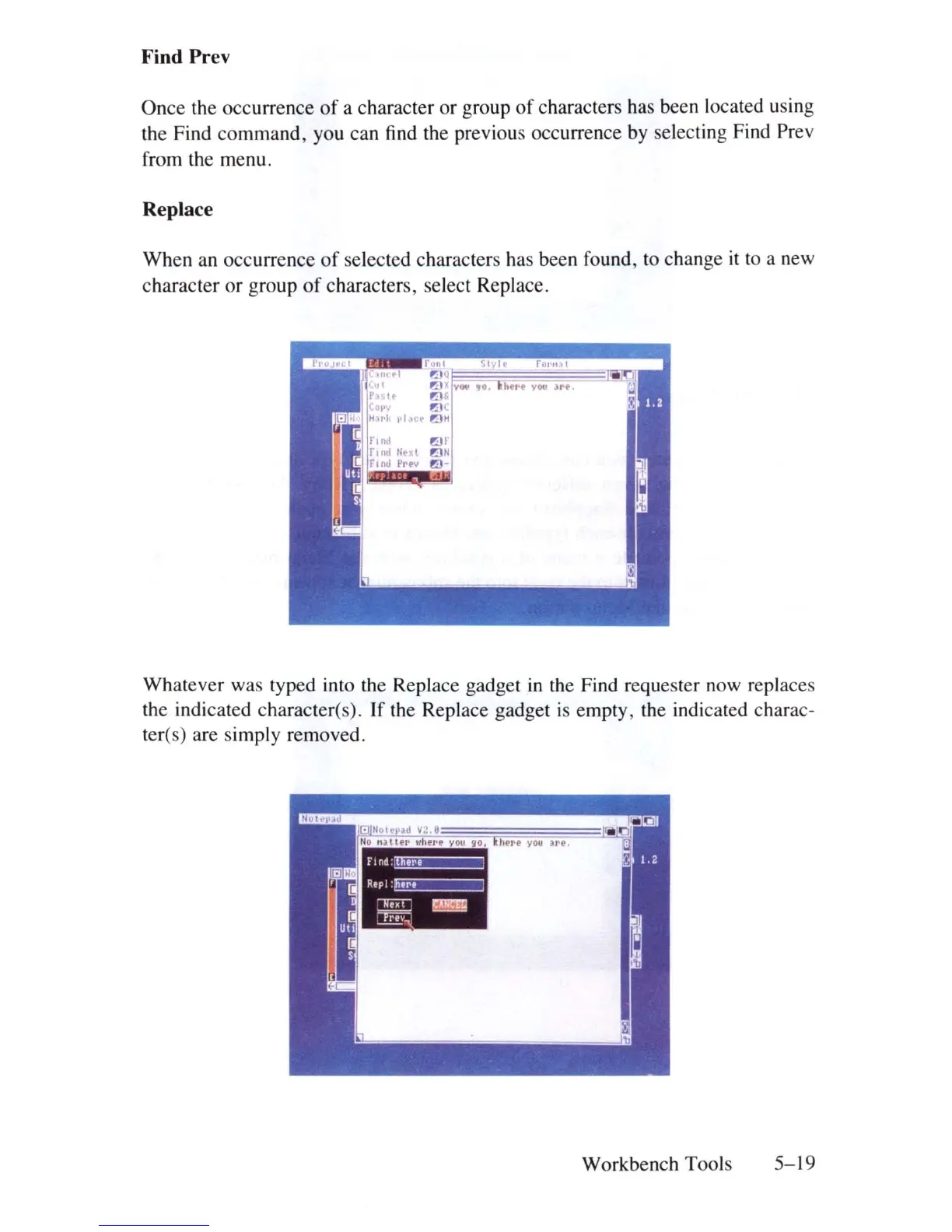
When an occurrence
of
selected characters has been found, to change it to a new
character
or
group
of
characters, select Replace.
Whatever was typed into the Replace gadget
in
the Find requester now replaces
the indicated character(s).
If
the Replace gadget
is
empty, the indicated charac-
teres) are simply removed.
Workbench Tools
5-\9















 To Next Page