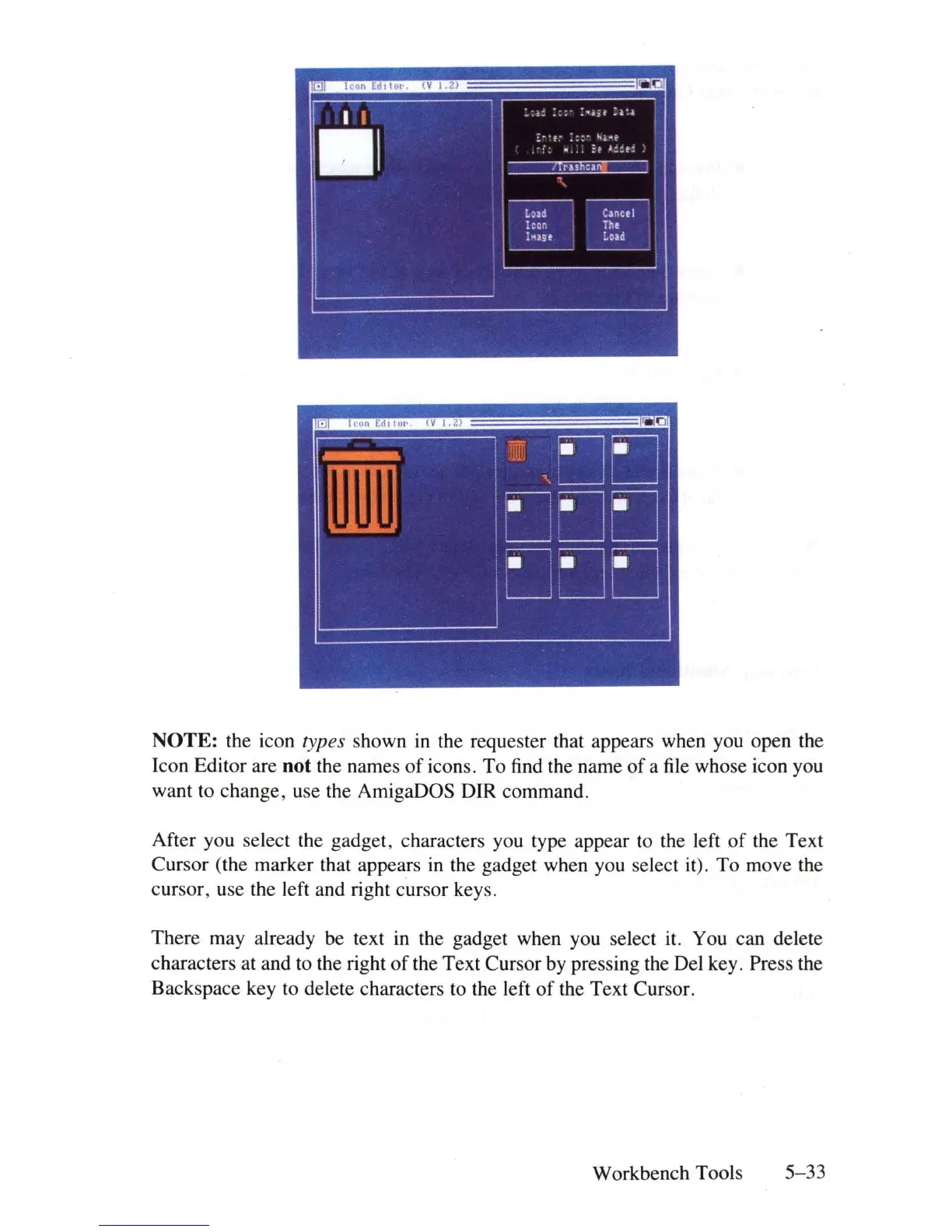
NOTE: the icon types shown
in
the requester that appears when you open the
Icon Editor are
not the names
of
icons. To
find
the name
of
a
file
whose icon you
want to change, use the AmigaDOS
DIR
command.
After you select the gadget, characters you type appear
to
the left
of
the Text
Cursor (the marker that appears
in
the gadget when you select it). To move the
cursor, use the left and right cursor keys.
There may already be text
in
the gadget when you select it. You can delete
characters at and
to
the right
of
the Text Cursor by pressing the Del key. Press the
Backspace key to delete characters
to
the left
of
the Text Cursor.
Workbench Tools
5-33















 To Next Page