Read Fonts
If
you open the Notepad without reading fonts at that time (see above), select this
option when you wish to read
in
the font library.
Quit
Choose Quit when
you're
done and want to close the Notepad.
The Edit Menu
Cancel
If
you have selected some text to cut
or
copy and make
an
error
or
change your
mind, se
le
ct Cancel. Similarly, this option can
be
used to terminate a
find
or
replace (see below).
Cut
This
is
used to select text and put
it
on the Clipboard (a special " holding
area"
for text you want to manipulate) so that you can delete it (cut), or remove it from
one location and
in
sert
it
at another location
(c
ut and paste). To cut, first point to
the start
of
the text you want to cut and double-click the Selection button; then
point to the end
of
the section
of
text and double-click the Selection button again.
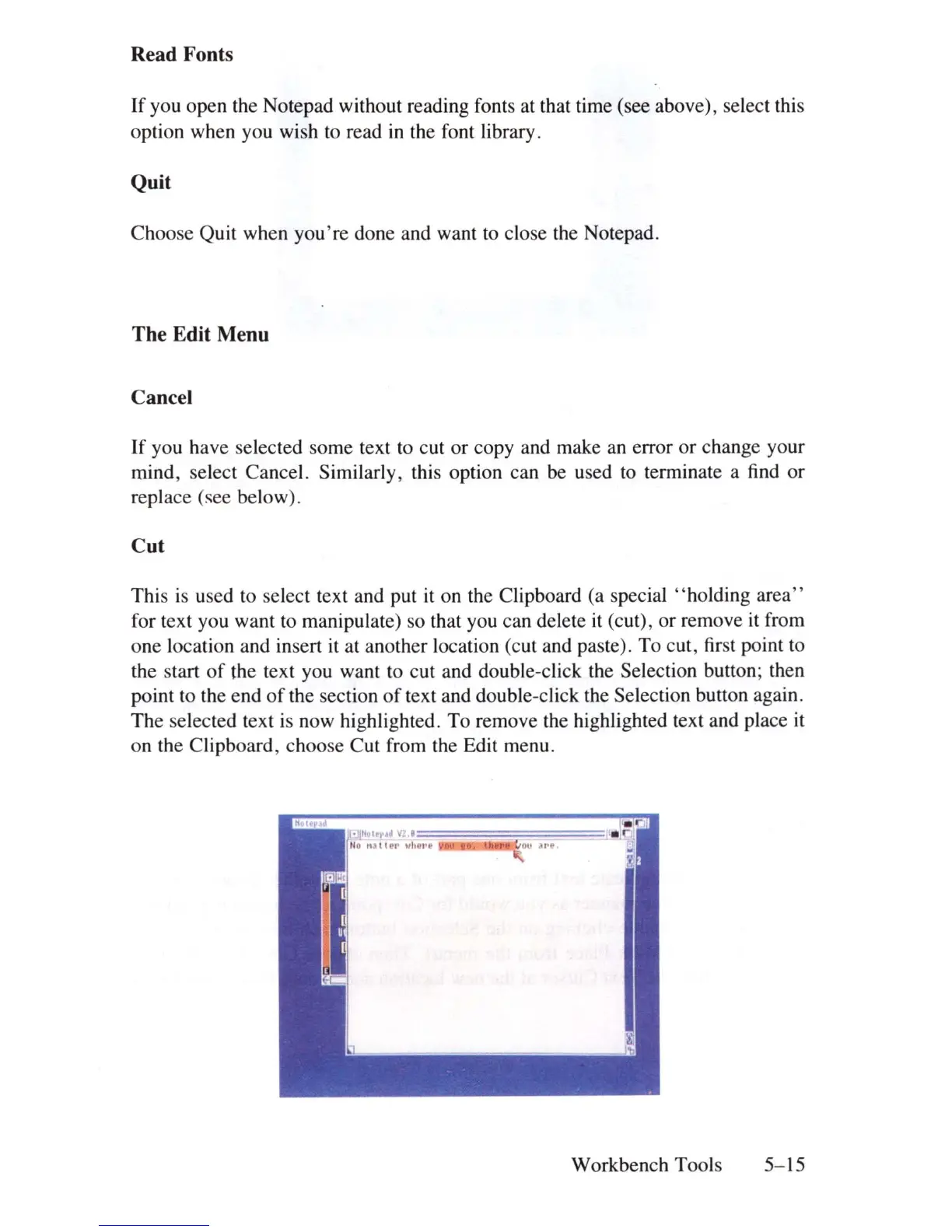
The selected text
is
now highlighted. To remove the highlighted text and place
it
on the Clipboard, choose Cut from the Edit menu .
Workbench Tools
5-15















 To Next Page