You may find this inconve
ni
ent to reach, but do not turn the Amiga off by
pulling out the plug. That could damage the power supply or
th
e A
mi
ga.
We suggest getting a multi-outlet electri
ca
l power strip from a ha
rd
ware store.
This would a
ll
ow
you to
co
nnect a
ll
the electri
ca
l plugs from your A
mi
ga syst
em
compone
nt
s, and po
we
r them a
ll
on or off with a s
in
gle on/off sw
it
ch.
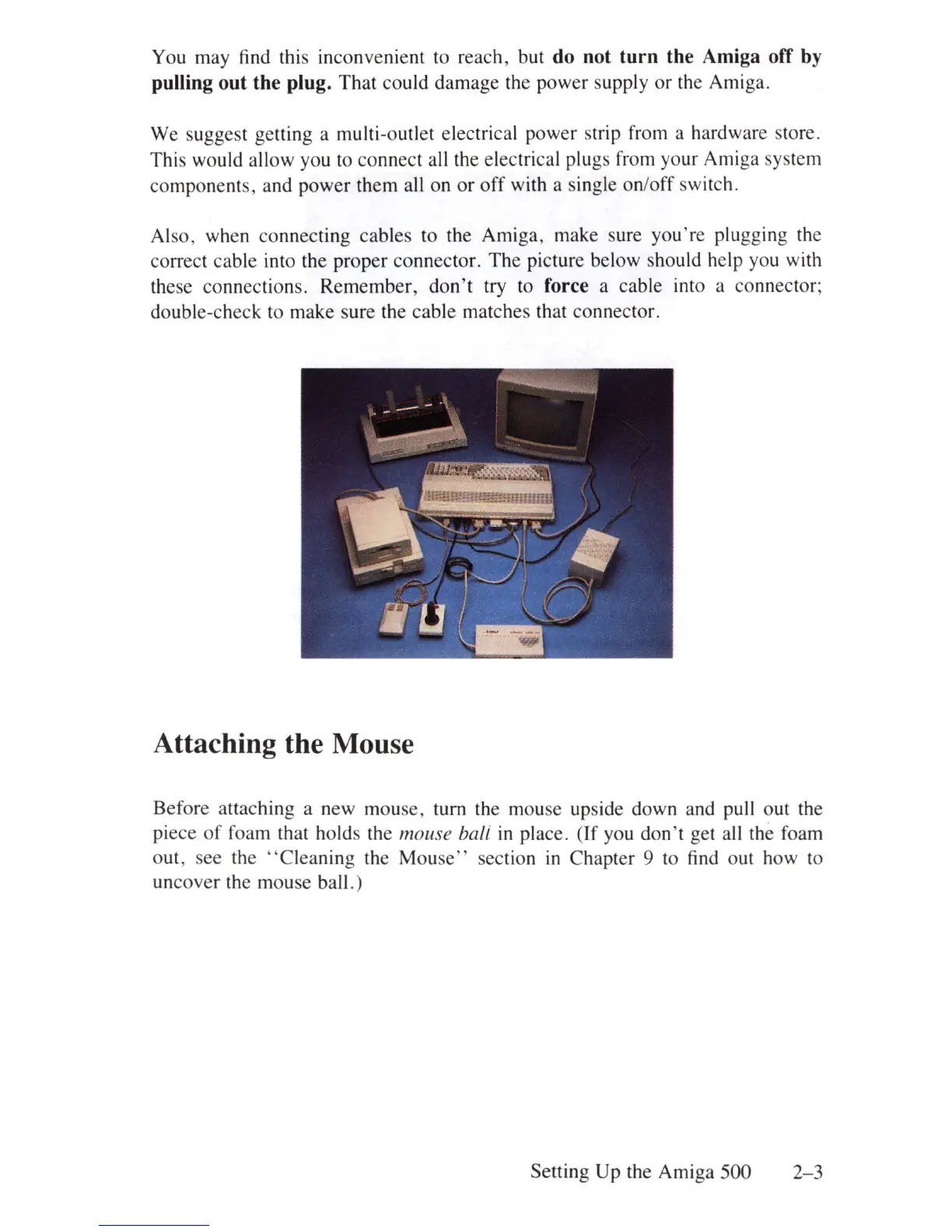
Also, when connecting
ca
bles to the Amiga, make sure you're plugg
in
g the
correct
ca
ble into
th
e proper
co
nnector.
Th
e picture below sho
ul
d help you with
th
ese co
nn
ec
ti
ons. Remember, don't try to force a ca
bl
e into a co
nn
ector;
double-check to make sure the
ca
ble matches that
co
nnecto
r.
Attaching the Mouse
Before attaching a new mouse, turn the mouse upside down and pull out
th
e
piece
of
foam that holds the mouse bali
in
pl
ace.
(If
you don't get a
ll
th
e foam
out, s
ee
the
"C
l
ea
ning
th
e Mouse" section
in
Chapter 9 to find out how to
un
cover
the mouse ball. )
Se
tting Up the A
mi
ga
500
2-3















 To Next Page