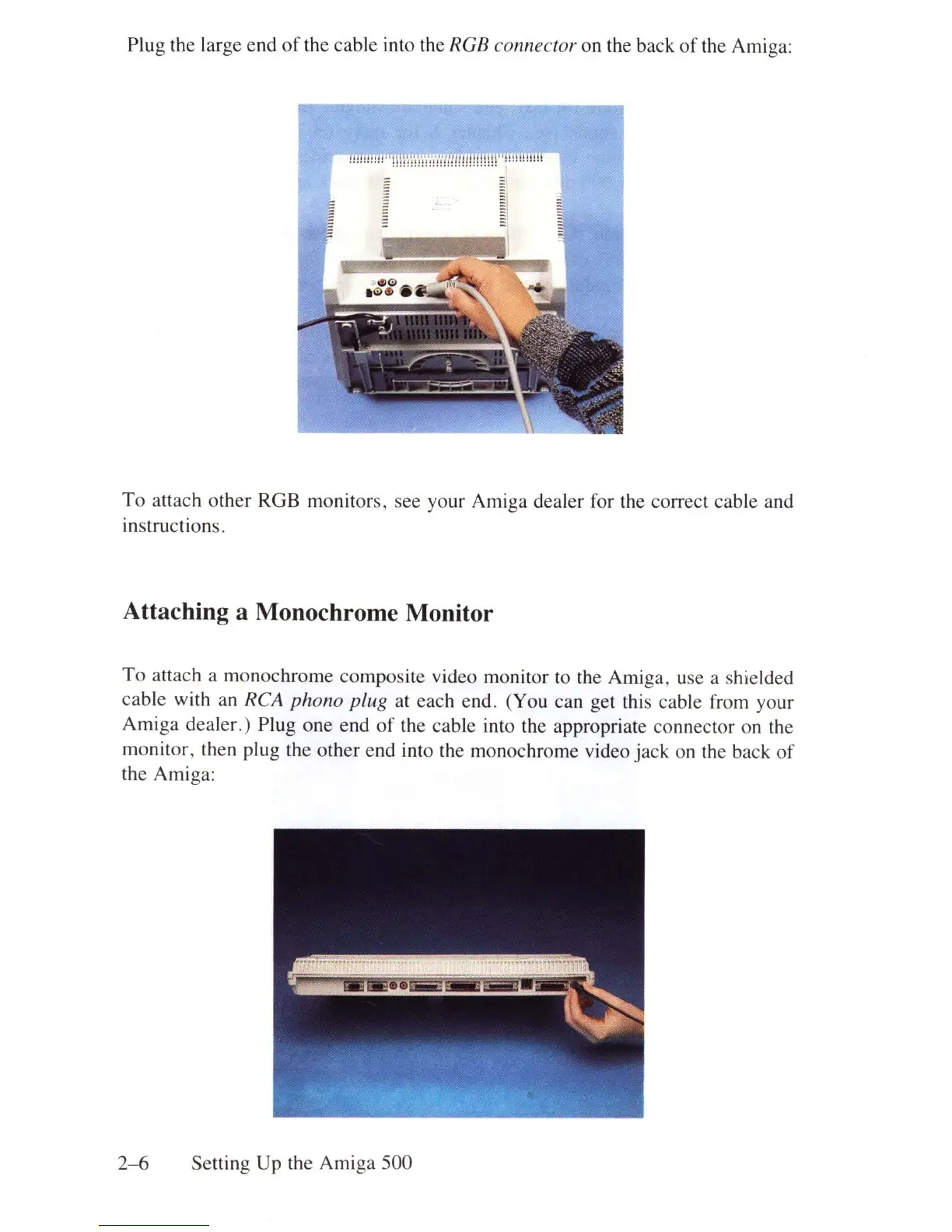
Plug the large end
of
the cable into the RGB connector on the back
of
the Amiga:
!!!!!!!!
!!
I'IB\IWdNdnml
l
l!!
!!!!!r'!!!
!!
mHl
To
attach other RGB monitors, see your Amiga dealer for the correct cable and
instructions.
Attaching a Monochrome Monitor
To
attach a monochrome composite video monitor to the Amiga, use a shielded
cable with an
RCA phono plug at each end. (You can get this cable from your
Amiga dealer.) Plug one end
of
the cable into the appropriate connector on the
monitor, then plug the oth
er
end into the monochrome video jack on the back
of
the Amiga:
2- 6 Setting Up the Amiga 500















 To Next Page