Connecting the Amiga to a Stereo System
To
connect the Amiga to a stereo system, you need two cables. Each cable must
have on one end a plug that
fits
the input connector on your amplifier or receiver
(this is most often an RCA phono plug) and on the other end
an
RCA phono plug
to
fit
into the Amiga.
On most stereo systems, there are extra inputs, often labeled
"A
uxiliary" or
"A
ux
,"
to which you attach one end
of
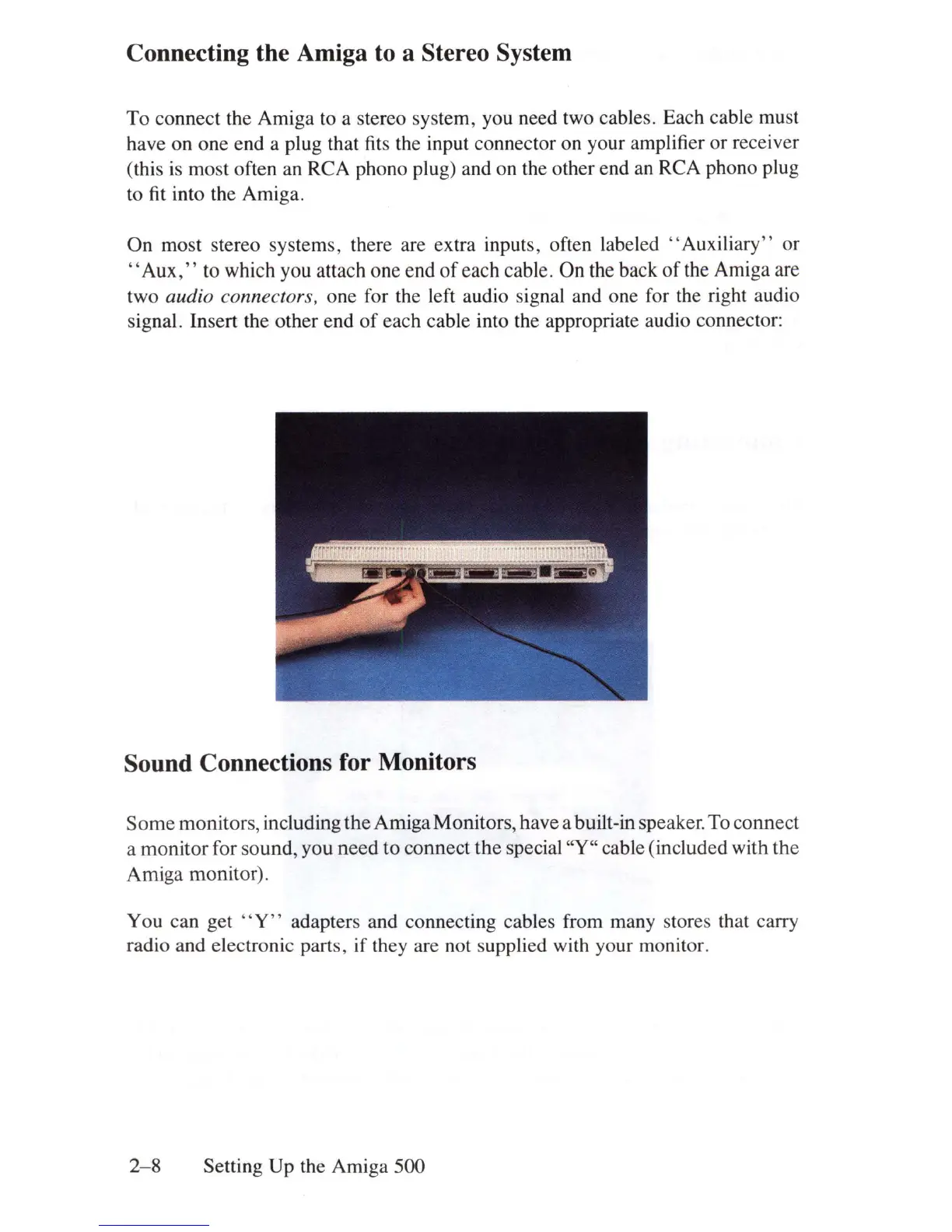
each cable. On the back
of
the Amiga are
two
audio connector
s,
one for the left audio signal and one for the right audio
signal. Insert the other end
of
each cable into the appropriate audio connector:
Sound Connections for Monitors
Some
monitors, including the Amiga Monitors, have a built-in speaker. To connect
a monitor for sound, you need to connect
the
special
''Y''
cable (included with the
Amiga monitor).
You can get
"Y"
adapters and connecting cables from many stores that carry
radio and electronic parts, if they are not supplied with your monitor.
2-8
Setting Up the Amiga 500















 To Next Page