Screens
On the Amiga, the way visual information is displayed can be different for
different tools.
To
change the display, tools request different video attributes.
These attributes include:
• horizontal resolution, the number
of
pixels that appear on each line
of
the display
• number
of
colors displayed
in
the screen
• color palette, the colors that appear
in
the screen
• interlace, which doubles the number
of
horizontal lines that appear
in
the screen
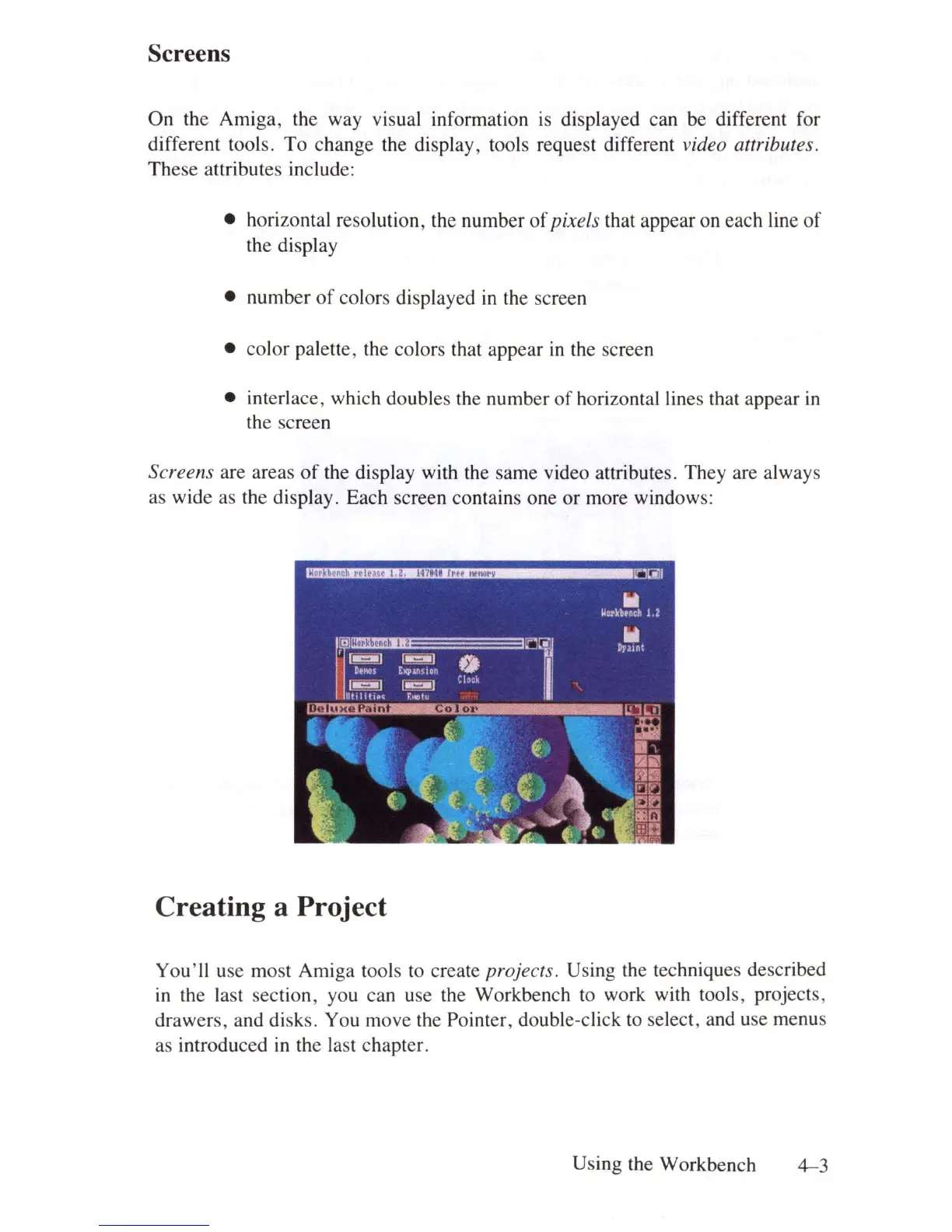
Screens are areas
of
the display with the same video attributes. They are always
as wide as the display. Each screen contains one or more windows:
Creating a Project
You'
ll
use most Amiga tools to create projects. Using the techniques described
in
the last section, you can use the Workbench to work with tools, projects,
drawers, and disks. You move the Pointer, double-click to select, and use menus
as introduced
in
the last chapter.
Using the Workbench
4-3















 To Next Page