AmigaOOS accepts the commands
in
both upper and lower case.
In
the sections which follow , the notations
"dfO;"
and
"drive
0" refer to the
disk drive built into the Amiga. "
dfl
:"
is
the first external 3.5"
di
sk drive.
Copying a Disk
You can use this sequence to backup your Workbench m
as
ter disk, or any other
di
sk.
For a one disk system, typ
e:
DISKCOPY FROM
dfO
: TO
dfO
:
For a two disk system, typ
e:
DISKCOPY FROM
dfO
: TO
df1
:
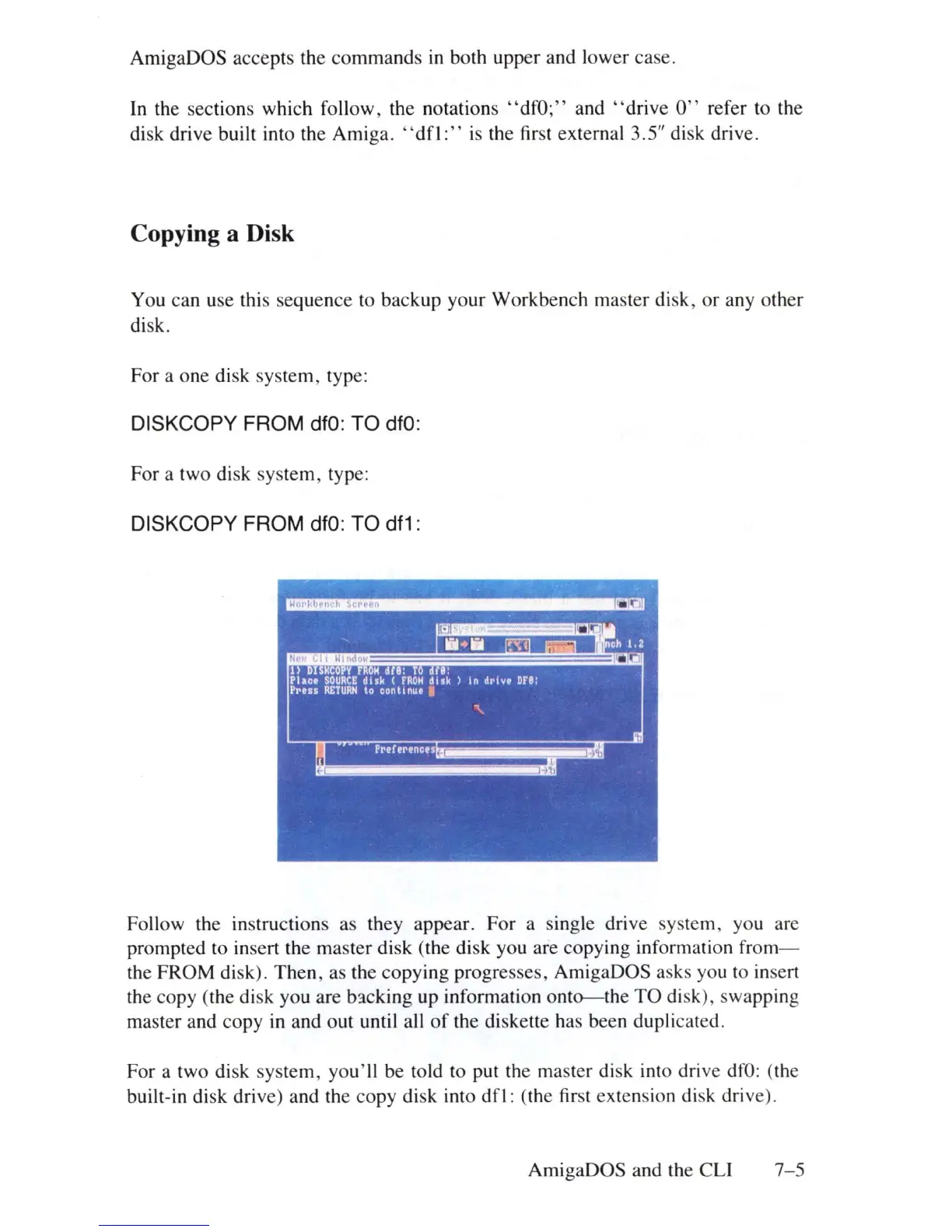
Follow the
in
structions as they appear. For a single drive system, you are
prompted to
in
se
rt
the master disk (the disk you are copying information from-
the FROM disk). Then, as the copying progresses, AmigaOOS asks you to
in
sert
th
e copy (the
di
sk you are b3cking up information
onto--the
TO
di
sk), swapp
in
g
master and copy
in
and out until a
ll
of
the diskette has been duplicated.
For a two
di
sk system, you'll be told to put
th
e master disk into drive
dfO:
(
th
e
built-in disk drive) and the copy
di
sk into
dfl:
(the
fir
st extension disk drive).
AmigaOOS and the
eLi
7-5















 To Next Page