Plugging
It
In
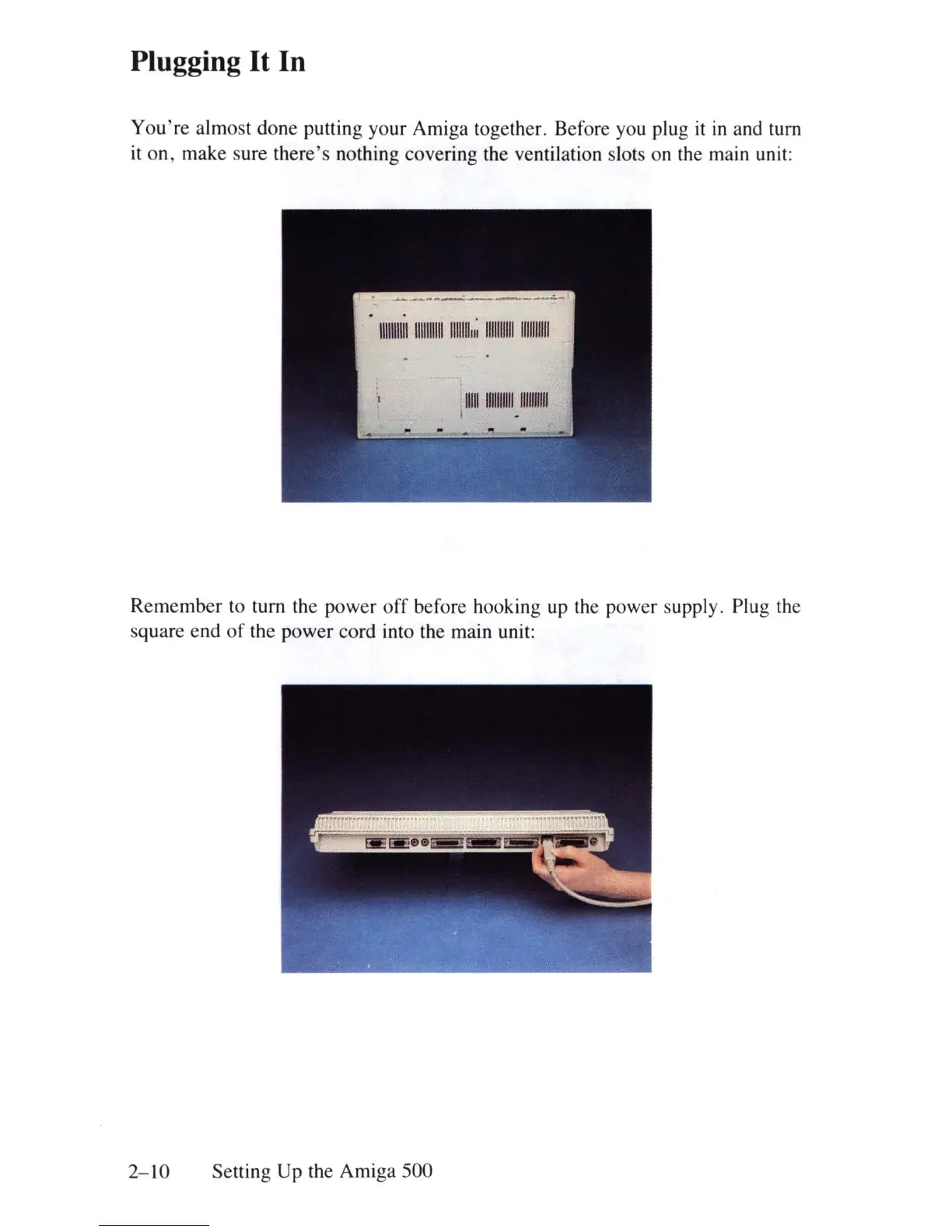
You're
almost done putting your Amiga together. Before you plug
it
in
and turn
it
on, make sure
there's
nothing covering the ventilation slots on the main unit:
11111111111111111111111111111;
11111111111111111111
1111111111111111111111111
I
Remember to turn the power
off
before hooking up the power supply. Plug the
square end
of
the power cord into the main unit:
2-10
Setting Up the Amiga 500















 To Next Page