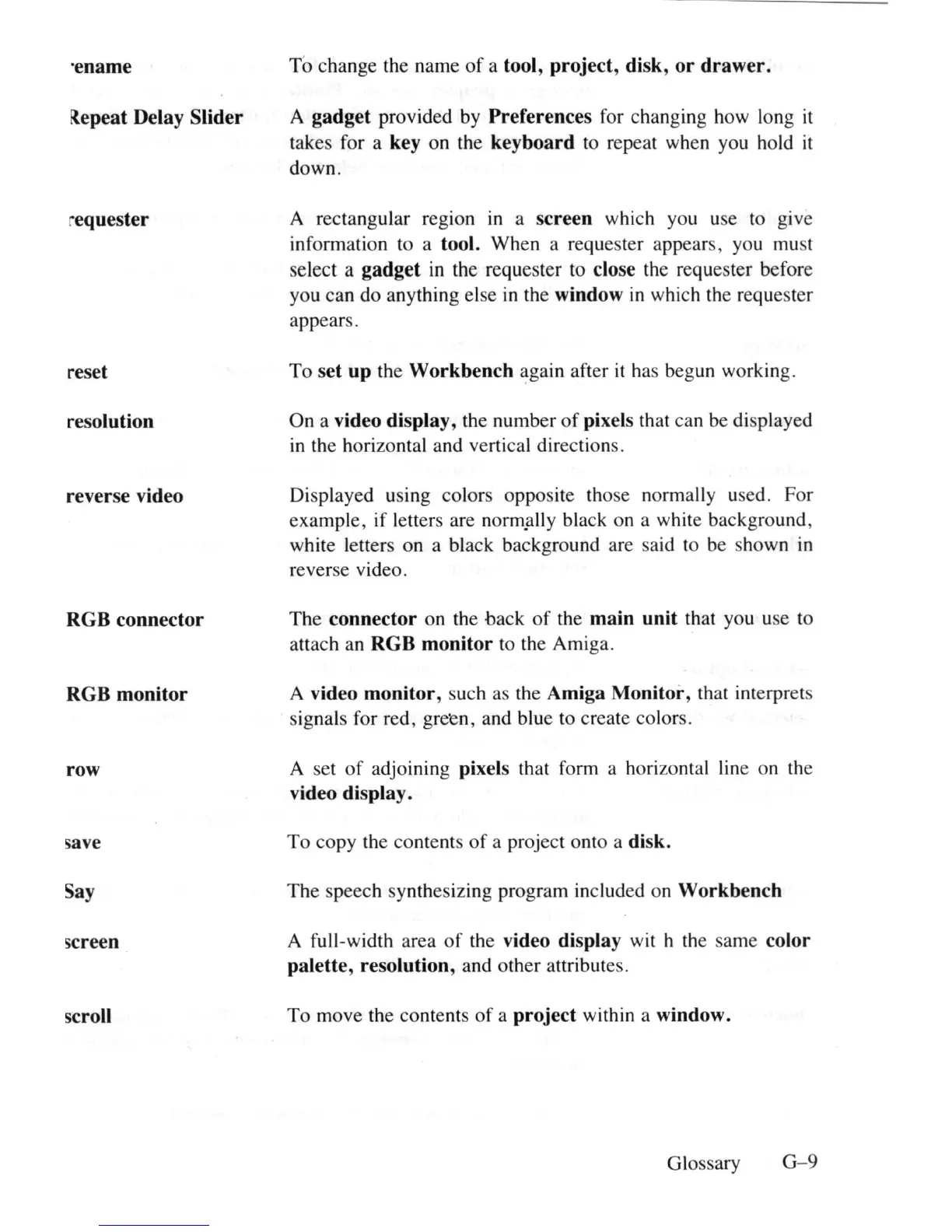
·ename
i{epeat Delay
Slider
requester
reset
resolution
reverse video
RGB
connector
RGB
monitor
row
save
Say
screen
scroll
To change the name
of
a tool,
project
, disk,
or
drawer.
A
gadget
provided by Preferences for changing how long
it
takes for a key on the
keyboard
to
repeat when you hold
it
down.
A rectang
ul
ar region
in
a
screen
which you use to give
information
to
a tool. When a requester appears, you
mu
st
select a
gadget
in
the requester
to
close the requester before
you can do anything else
in
the window
in
which the requester
appears.
To
set
up
the
Workbench
~gain
after
it
ha
s
be
g
un
working.
On a video display, the number
of
pixels that can
be
di
s
pl
ayed
in
the horizontal and vertical directions.
Di
splayed using colors opposite those normally used. For
example, if letters are norm!\lly black on a white background,
white letters on a black background are said to be shown
in
reverse video.
The
connector
on the back
of
the
main
unit
that you use to
attach an
RGB
monitor
to
the Amiga.
A video
monitor,
such
as
the Amiga
Monitor,
th
at interprets
signals for red, green, and blue
to
create colors.
A set
of
adjoining pixels that form a horizontal
lin
e on
th
e
vi
deo display.
To copy the contents
of
a project onto a disk.
The speech synthesizing program included on
Workbench
A full-width area
of
the video display wit h
th
e same color
palette,
resolution, and other attributes.
To move the contents
of
a
project
within a window.
Glossa
ry
G
-9















 To Next Page