Merging Frames
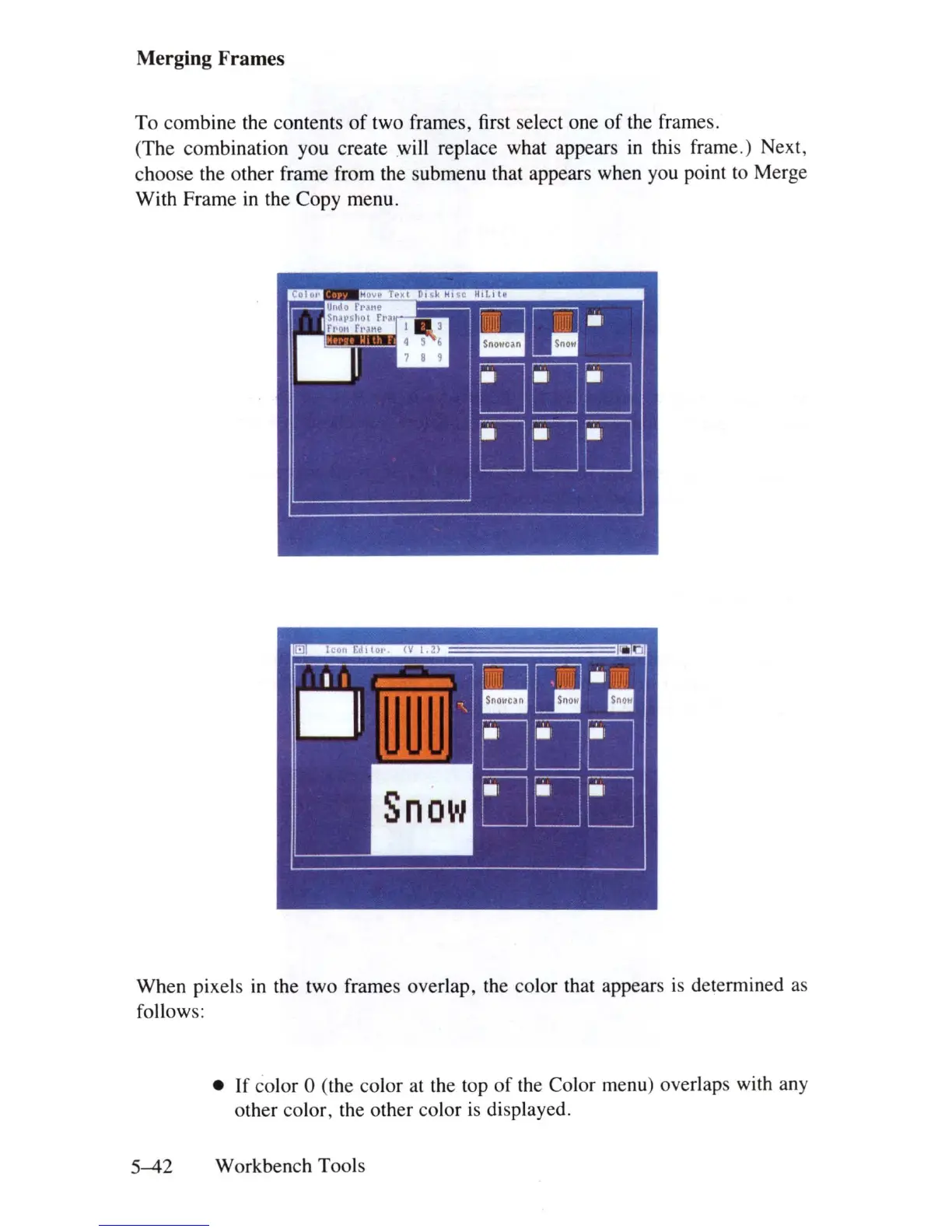
To
combine the contents
of
two frames, first select one
of
the frames.
(The combination you create will replace what appears
in
this frame.) Next,
choose the other frame from the submenu that appears when you point to Merge
With Frame
in
the Copy menu.
When pixels
in
the two frames overlap, the color that appears
is
determined as
follows:
• If color 0 (the color
at
the top
of
the Color menu) overlaps with any
other color, the other color
is
displayed.
5-42
Workbench Tools















 To Next Page