-::
...
"'
~
II~
•
~
"
.
~
R ('
~~
~
..
~
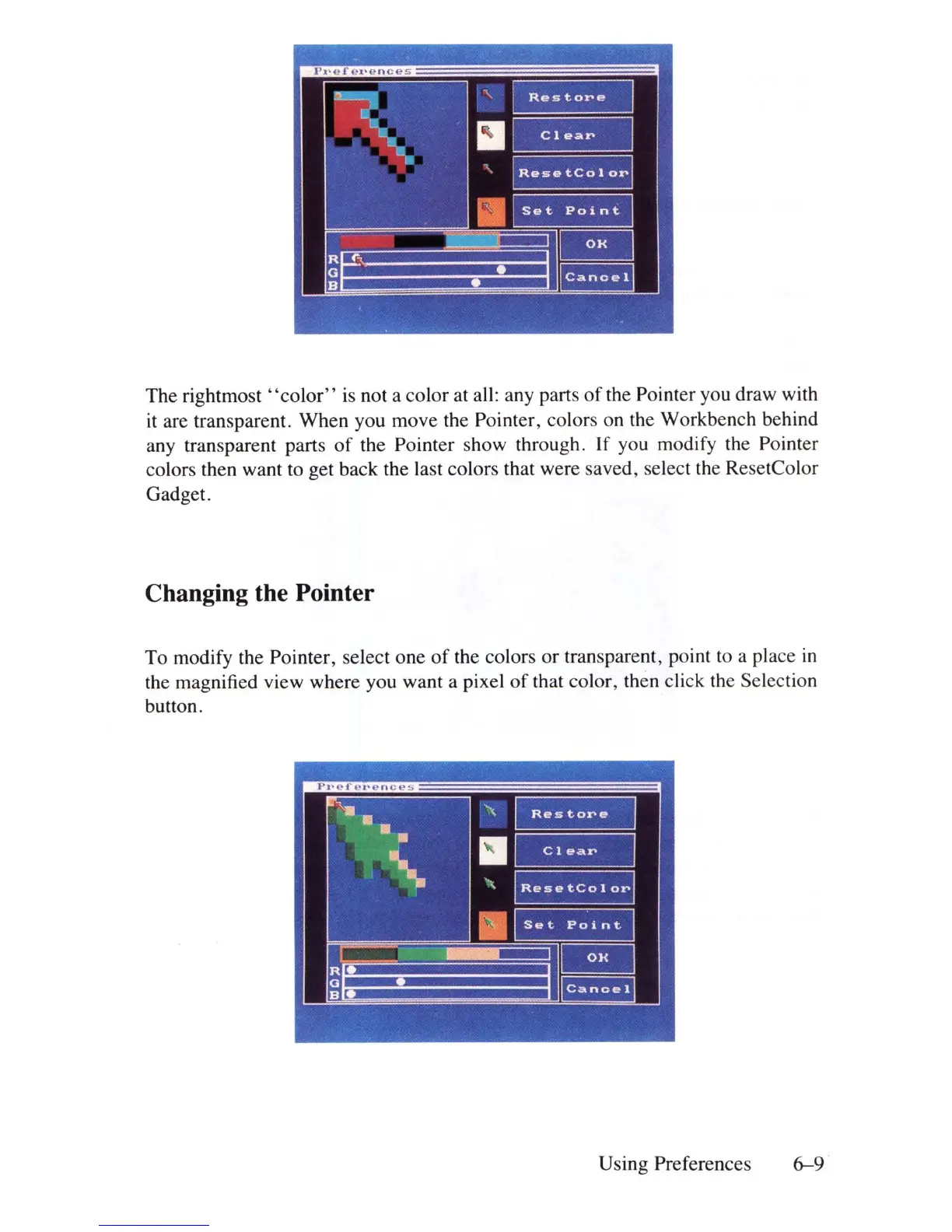
The
rightmost'
'color"
is
not a color at all: any parts
of
the Pointer you draw with
it
are transparent. When you move the Pointer, colors on the Workbench behind
any transparent parts
of
the Pointer show through. If you modify the Pointer
colors then want to get back the last colors that were saved, select the
Re
setColor
Gadget.
Changing the Pointer
To modify the Pointer, select one
of
the colors or transparent, point to a place
in
the magnified view where you want a pixel
of
that color, then click the Selection
button.
-:-..
'-"
~
.\
,,~
'<.
~
.
~
~~
~.
.
~
Using Preferences
6-9















 To Next Page