You can also discard a tool
or
project by selecting its icon, choosing Discard
from the Workbench menu, then selecting Retry
in
the requester that appears.
WARNING: When you choose Discard
to
discard a tool
or
project, you
cannot get the tool or project back.
Operations Involving Drawers
Drawers are places where you can keep tools, projects, and other drawers. You
can use drawers to keep order on the Workbench and to keep related items
together.
Opening Drawers
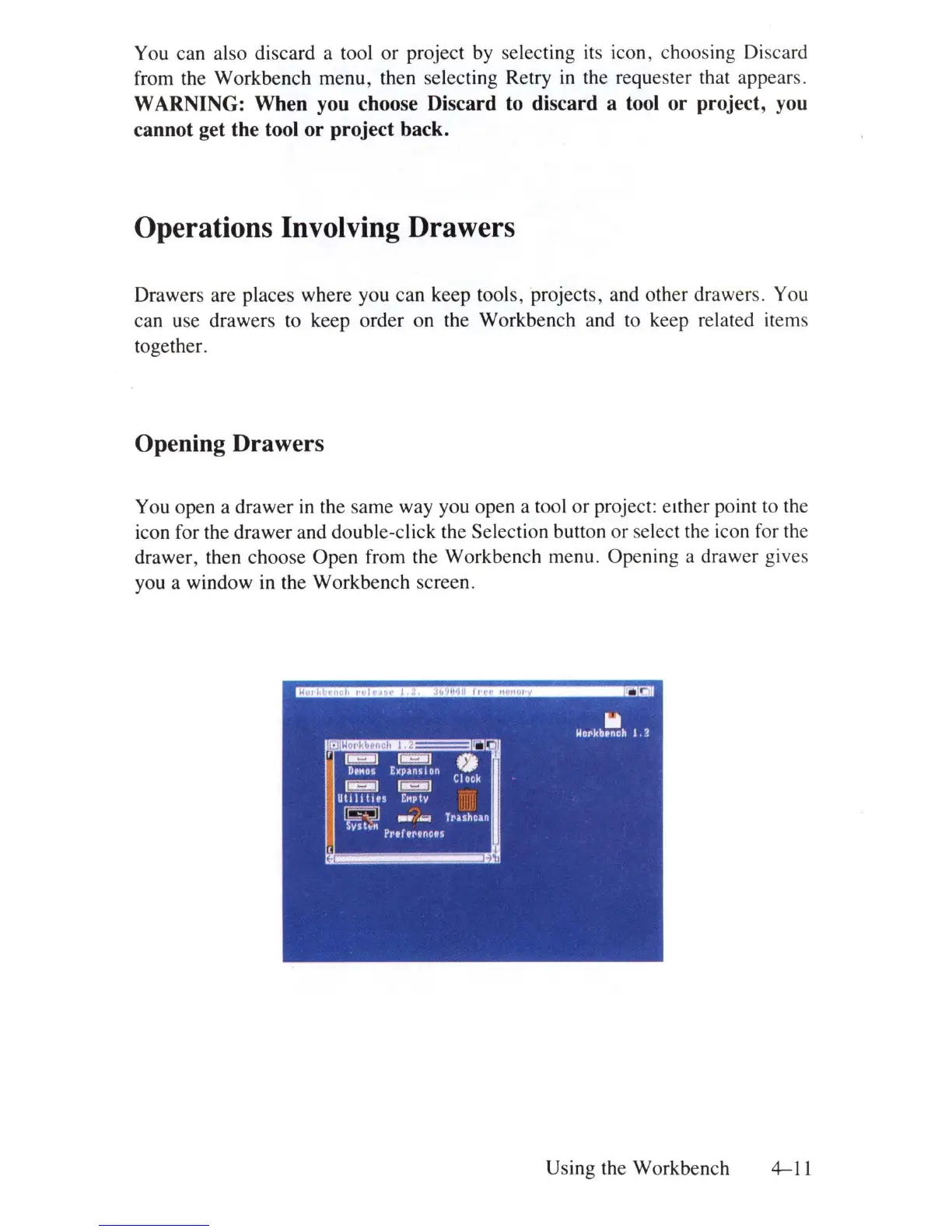
You open a drawer
in
the same way you open a tool
or
project: either point to the
icon for the drawer and double-click the Selection button or select the icon for the
drawer, then choose Open from the Workbench menu. Opening a drawer gives
you a window
in
the Workbench screen.
Using the Workbench 4-11















 To Next Page