Remove Font
When a note has been created using more than one font, you can make the entire
note appear
in
the same font by choosing Remove Font.
Remove Styles
You can remove all style changes (to and from italic, bold, underline, or plain
text)
in
a note by choosing Remove styles from the Format menu.
Menu Shortcuts
Several
of
the menu options can be selected with a combination
of
keystrokes
rather than using the pointer. These are shown to the right
of
the menu items. To
use these short cuts, hold down the Amiga key, then with the key still held down,
press the other key shown.
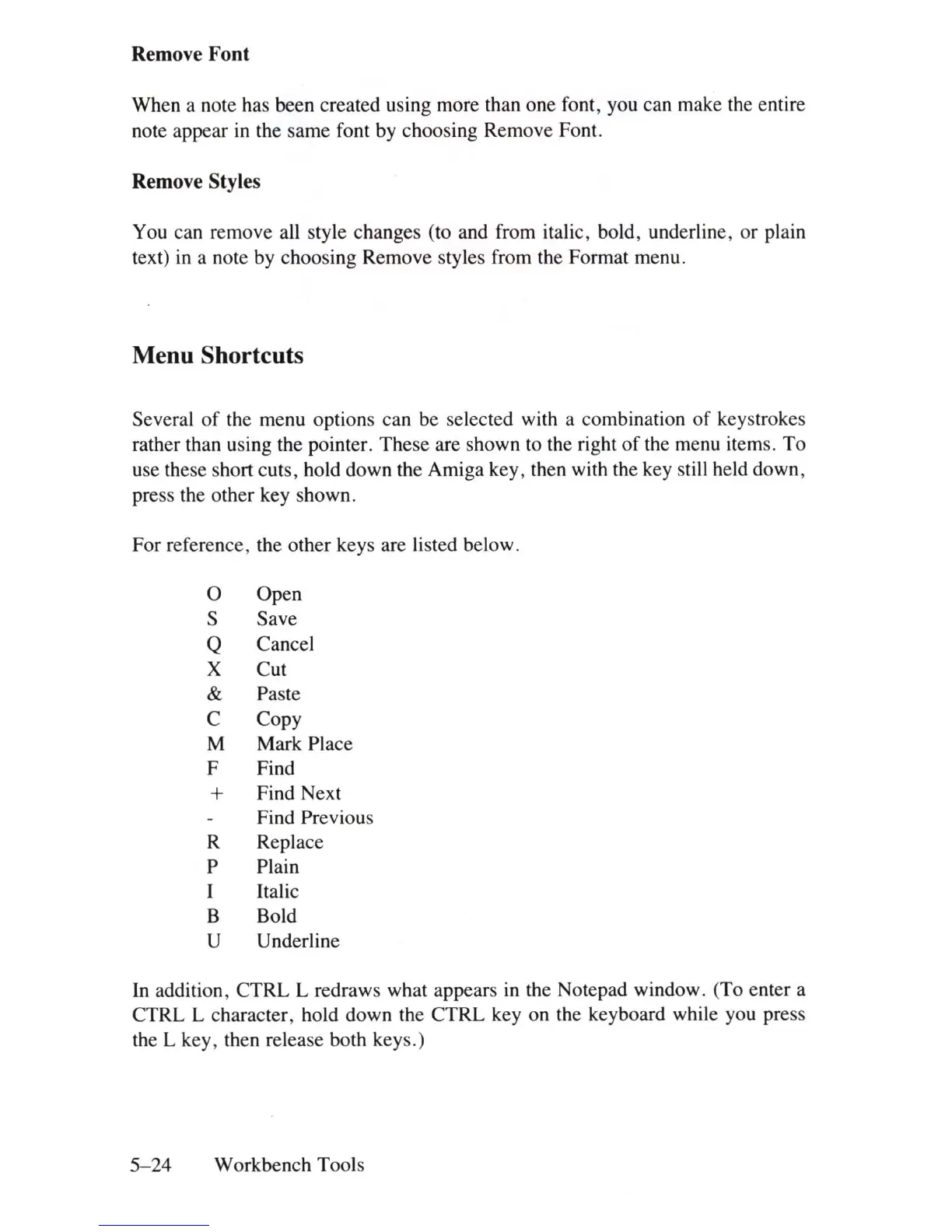
For reference, the other keys are listed below.
0
Open
S
Save
Q
Cancel
X Cut
&
Paste
C Copy
M
Mark Place
F Find
+
Find Next
Find Previous
R Replace
P Plain
Italic
B Bold
U
Underline
In
addition, CTRL L redraws what appears
in
the Notepad window. (To enter a
CTRL L character, hold down the CTRL key on the keyboard while you press
the L key, then release both keys.)
5-24
Workbench Tools















 To Next Page