Pushing Screens Behind Other Screens
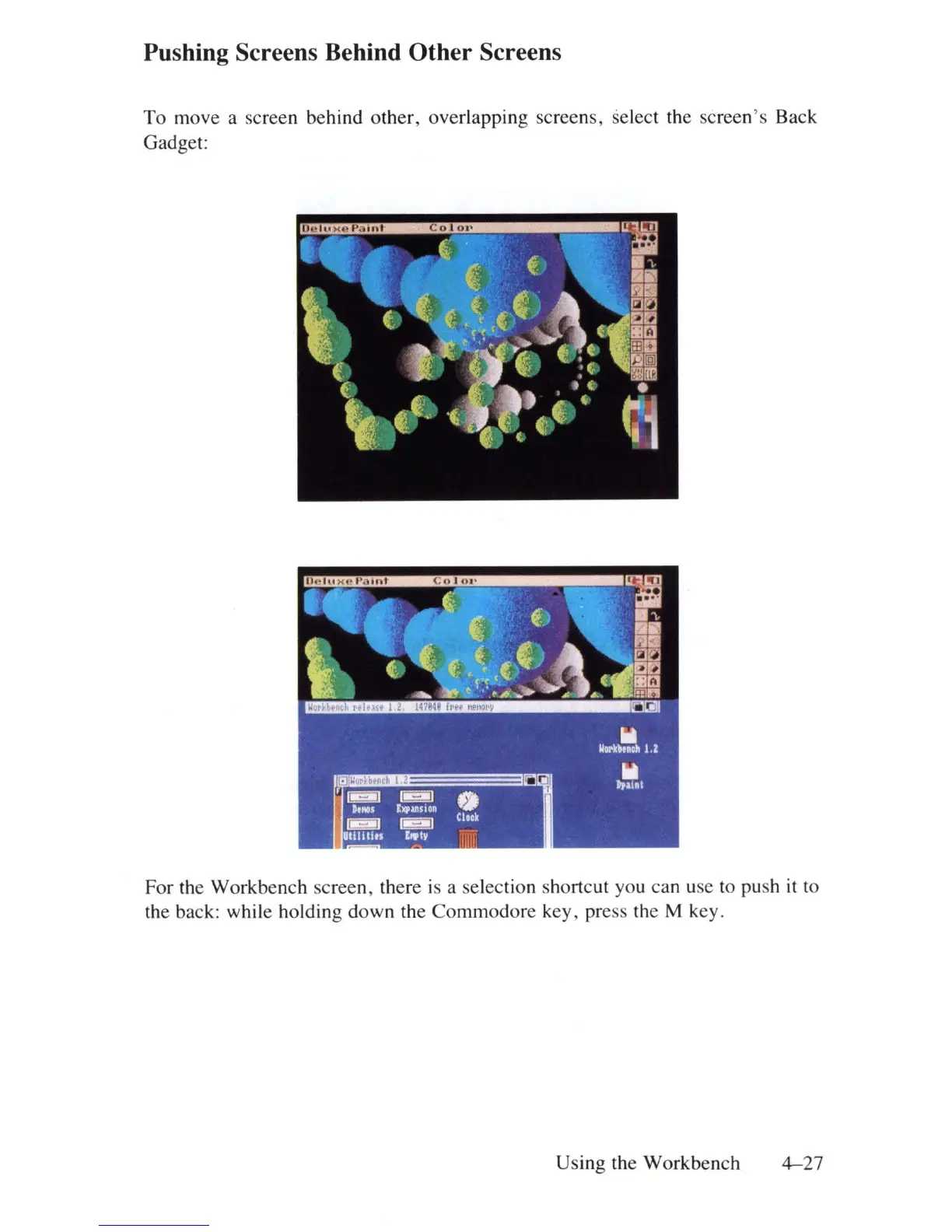
To move a screen behind other, overlapping screens, select
th
e screen's Back
Gadge
t:
For the Workbench screen, there is a selec
ti
on shortcut you can use to
pu
sh
it
to
th
e back: while holding down the Commodore key, press
th
e M key.
Using
th
e Workbench
4-
27















 To Next Page