Remove your master disk (Workbench) and put
it
in
a safe place. Leave the copy
write-enabled so you can write on it. Insert the copy you just made into the built-
in
drive and reboot your system from the copy.
After the reboot, re-enter
CLl
mode again, by double-clicking on icons for
Workbench, the System drawer, and
CLl
.
From this point on, any mention
of
your Workbench disk (such as making sure
you have your Workbench disk
in
drive 0 to try a command) will refer to the
copy
of
Workbench you've just created. This way, any difficulties will only alter
a back-up disk, while your master Workbench disk
is
safe and available to make
more copies, should that be necessary.
Formatting a Disk
To try this command, your disk copy
of
Workbench should be
in
drive 0, and
you should have a blank disk available.
Sometimes, rather than copy a disk, you may want to prepare a data disk for your
system. You
can't
just use a blank disk; it has to be formatted first. Once
it
's
formatted, the disk
is
usable, to copy selected files to as a data disk, for example.
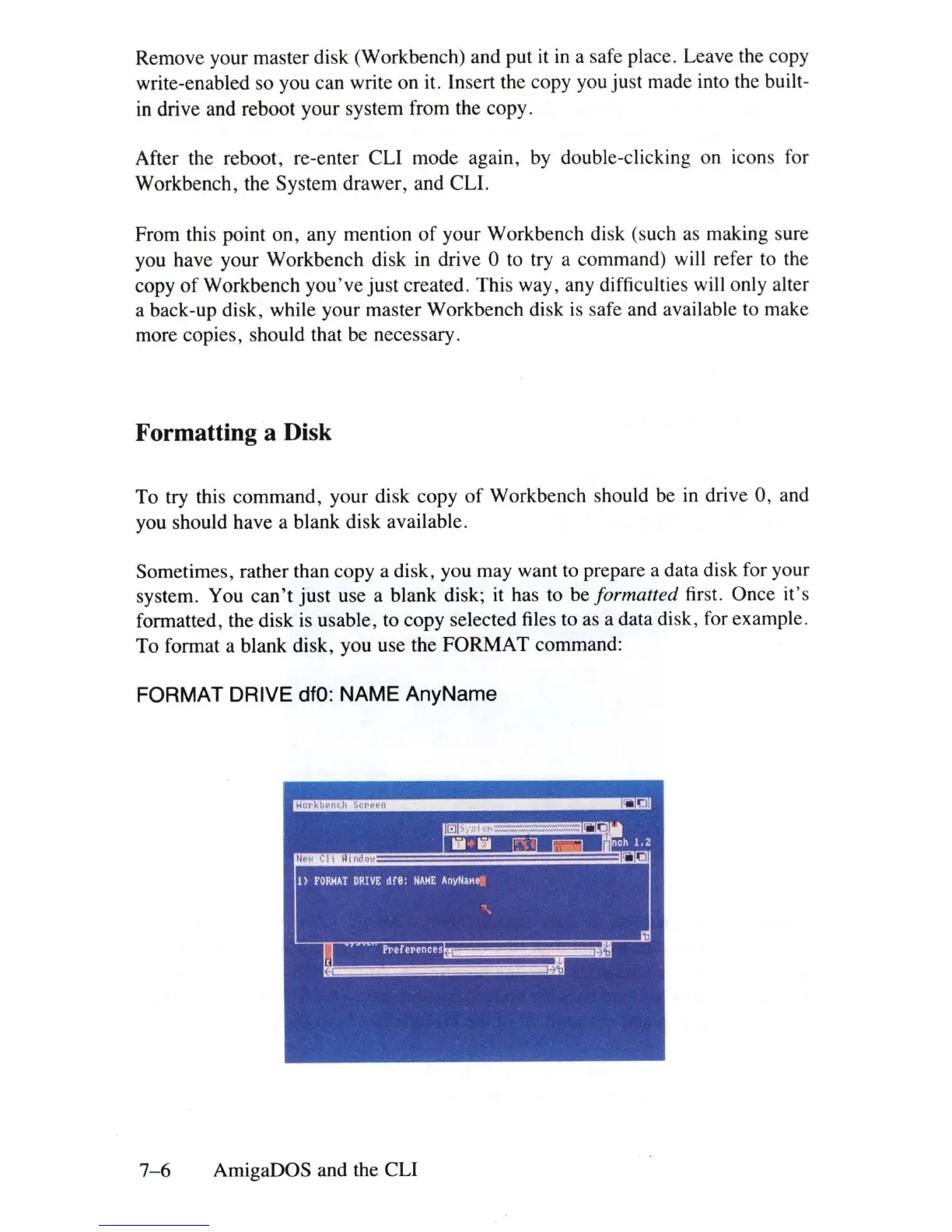
To format a blank disk, you use the FORMAT command:
FORMAT DRIVE
dfO:
NAME AnyName
7-6
AmigaDOS and the CLl















 To Next Page