If you decide you
don't
want to choose a menu item, move the Pointer
off
the
menu before releasing the Menu button.
To
browse through a
tool's
menus,
ju
st hold down the Menu button while
moving the Pointer along the Menu Bar. Without choosing
an
item, you'll get to
look at the menu items that are available.
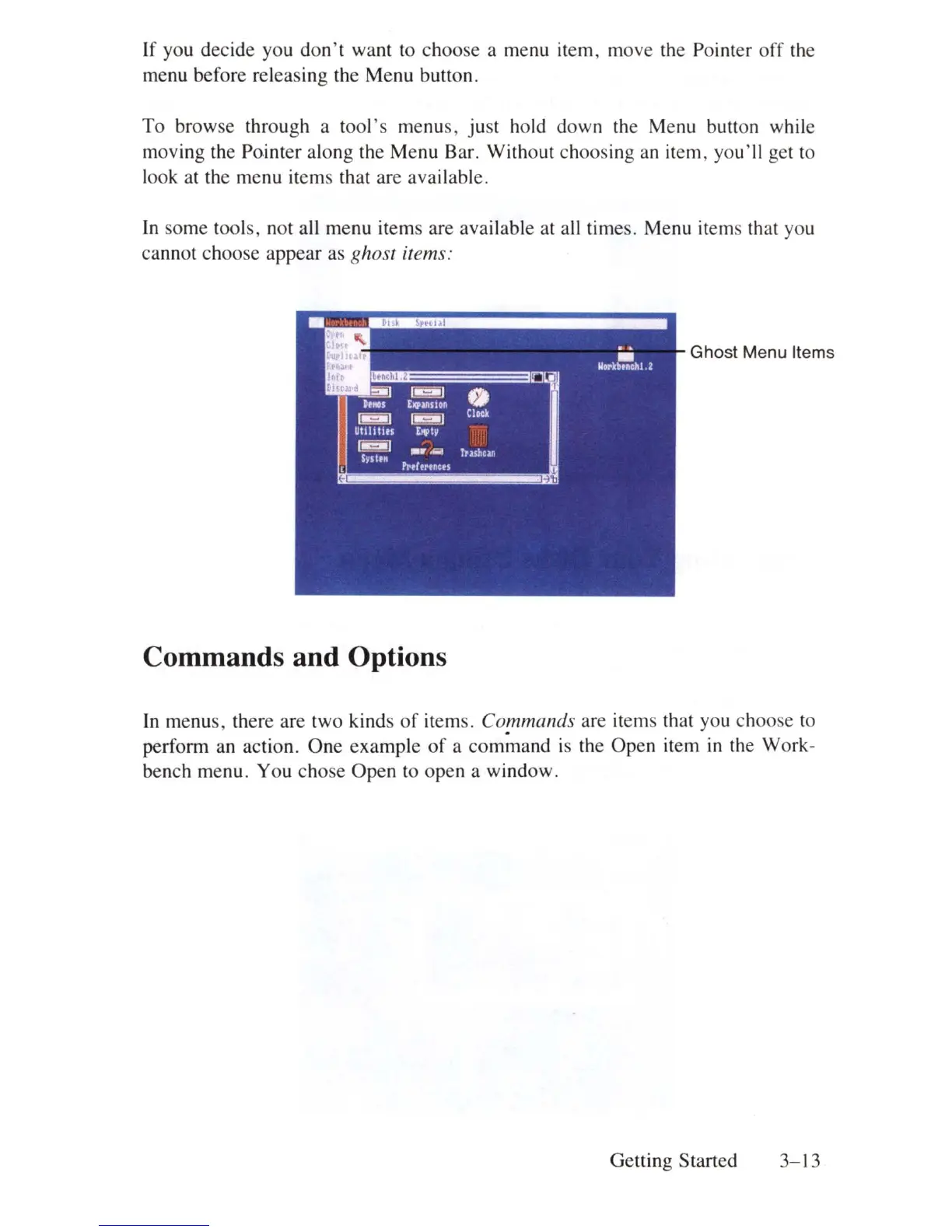
In
some tools, not all menu items are available at all times. Menu items that you
cannot choose appear as
ghost items:
Ghost Menu Items
Commands and Options
In
menus, there are two kinds
of
items. Co!nmands are items that you choose to
perform an action. One example
of
a command
is
the Open item
in
the Work-
bench menu. You chose
Open
to open a window.
Getting Started
3-13















 To Next Page