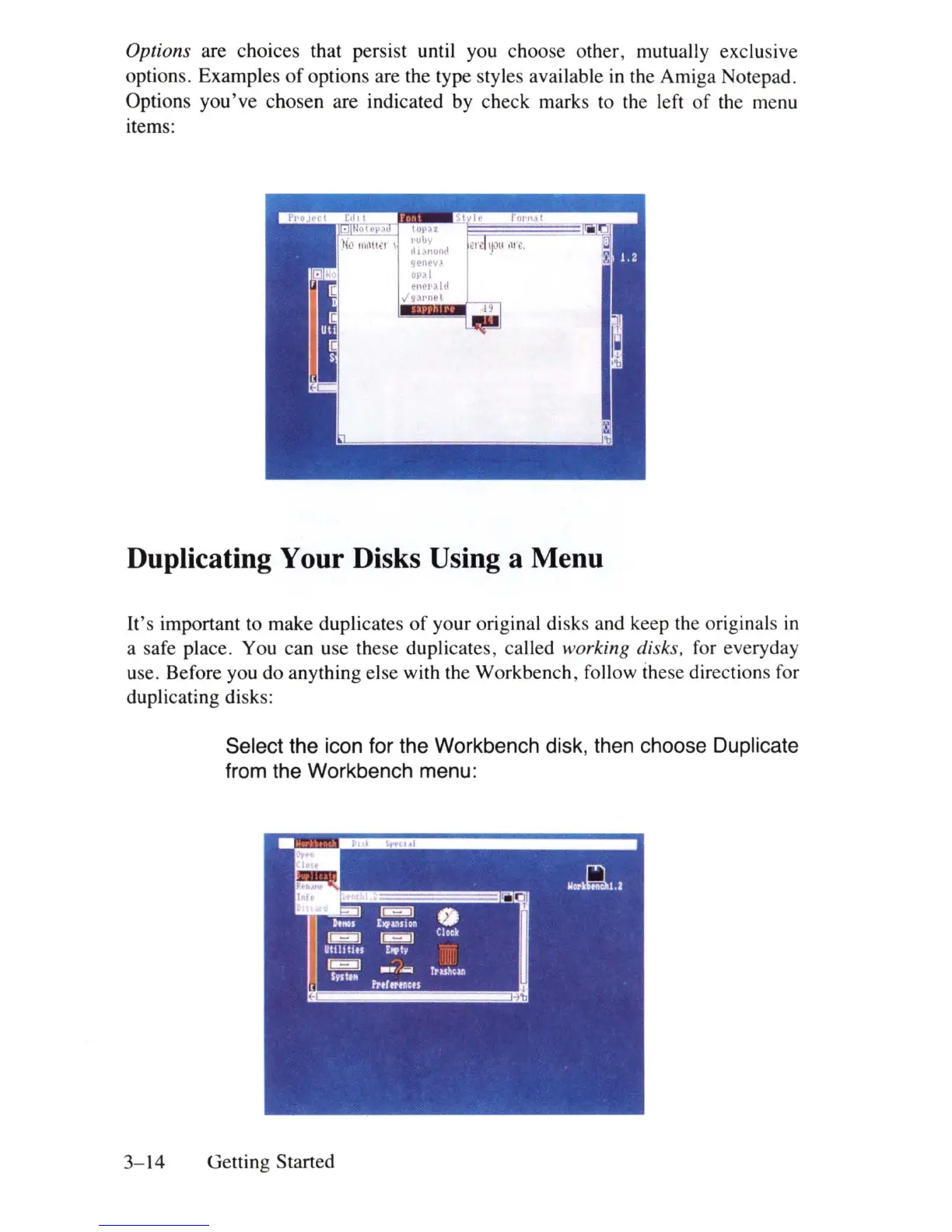
Options are choices that persist until you choose other, mutually exclusive
options. Examples
of
options are the type styles available
in
the Amiga Notepad.
Options you've chosen are indicated by check marks to the left
of
the menu
items:
Duplicating Your Disks Using a Menu
It's important to make duplicates
of
your original disks and keep the originals
in
a safe place. You can use these duplicates, called working disks. for everyday
use. Before you do anything else with the Workbench, follow these directions for
duplicating disks:
Select the icon for the Workbench disk, then choose Duplicate
from the Workbench menu:
3-14
Getting Started















 To Next Page