Dragging
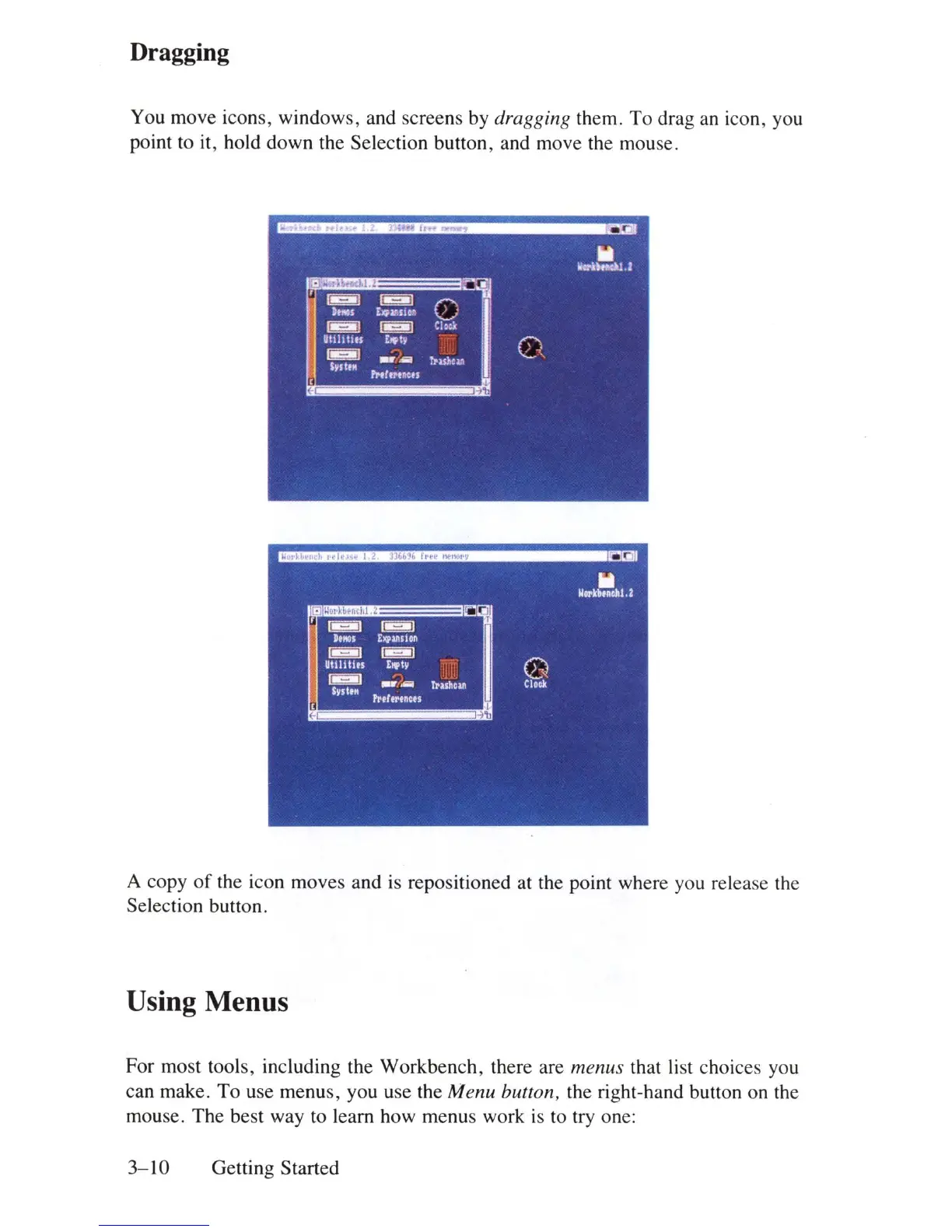
You move icons, windows, and screens by
dra
gg
in
g them. To drag
an
icon, you
point to
it
, hold down the Selection button, and move the mouse.
A copy
of
the icon moves and
is
repositioned at the point where you release the
Selection button.
Using Menus
For most tools, including the Workbench, there are menus that
li
st choices you
can make.
To
use menus, you use the Menu button, the right-hand button on the
mouse. The best way to learn how menus work
is
to try one:
3-10
Getting Started















 To Next Page