To set the Real Time Clock (assuming you want to set
it
for February 12th,
at
12:18 p.m.), type the following:
DATE 12-feb-87 12:18
SETCLOCK
OPT
SAVE
To load the system time from the real time clock (so the system clock has the real
time), add the following to the Startup-Sequence:
SETCLOCK
OPT
LOAD
If you do not have the A501 Memory Expansion Unit
in
stalled, this command
will have no effect.
Creating a New CLI Window
AmigaDOS
is
multitasking, meaning
it
can do more tham one thing at a time.
You can have multiple windows open at once, each having its own current
directory and executing its own separate command. You create a new CLI
by
using the NEWCLI command:
NEWCLI
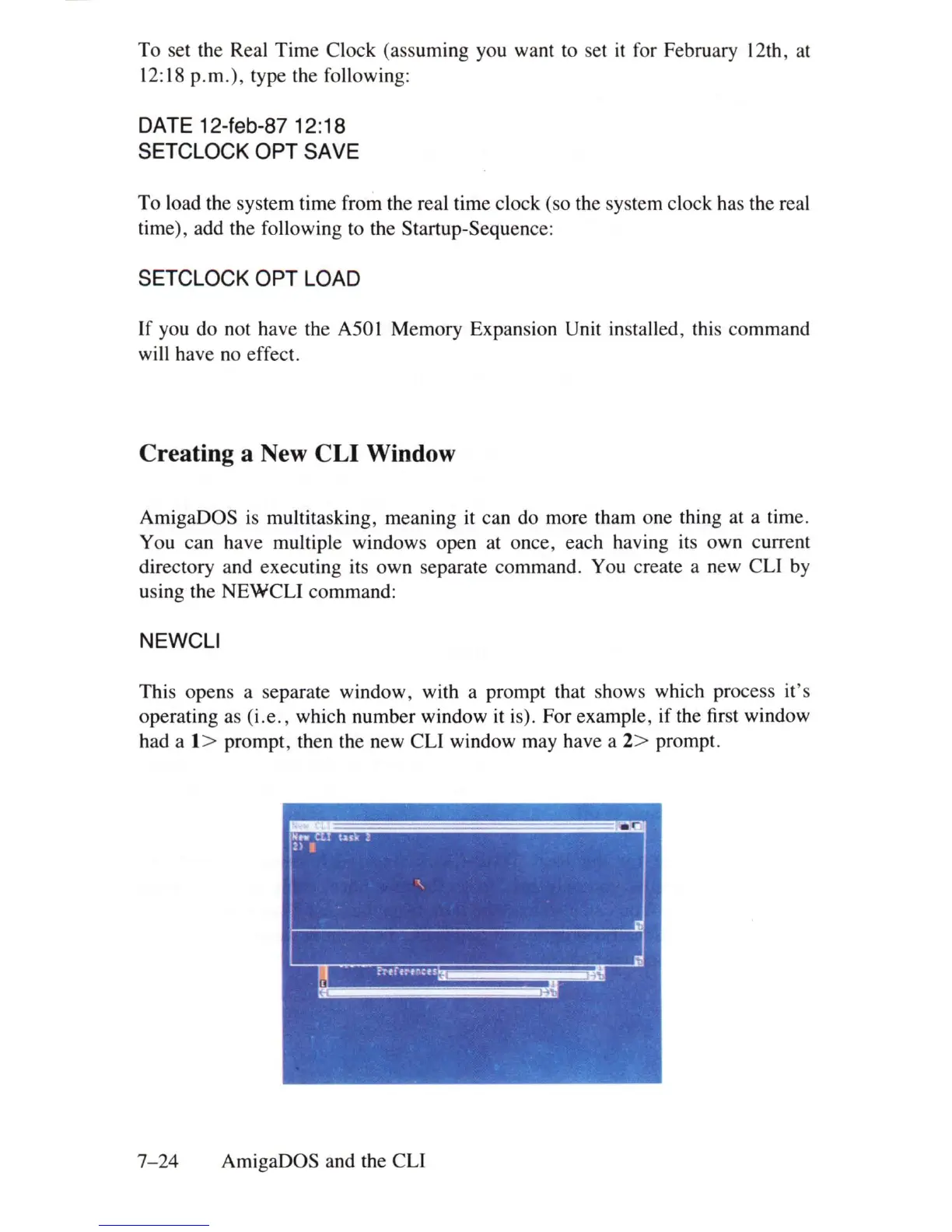
This opens a separate window, with a prompt that shows which process it's
operating as
(i.e.,
which number window it is). For example, if the first window
had a
1> prompt, then the new CLI window may have a 2> prompt.
7-24
AmigaDOS and the CLI















 To Next Page