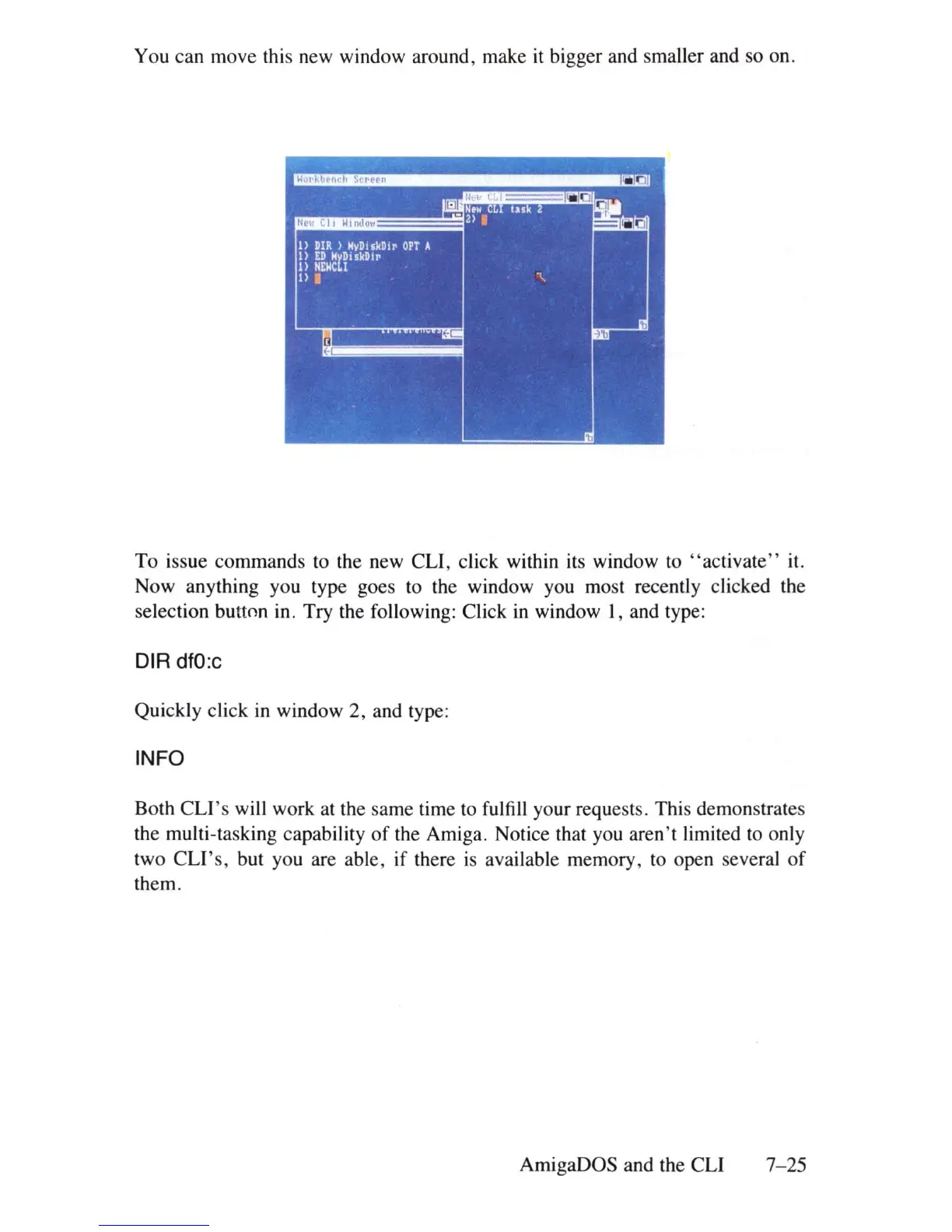
You can move this new window around, make it bigger and smaller and so on.
To issue commands to the new CLI, click within its window to
"ac
tivate" it.
Now anything you type goes to the window you most recently clicked the
selection button in. Try the following: Click
in
window I, and type:
DIR
dfO:c
Quickly click
in
window 2, and type:
INFO
Both
CLI's
will work at the same time to fulfill your reques
ts
. This demonstrates
the multi-tasking capability
of
the Amiga. Notice that you aren't limited to only
two
CLI's,
but you are able, if there
is
available memory, to open several
of
them.
AmigaDOS and the CLI
7
-25















 To Next Page