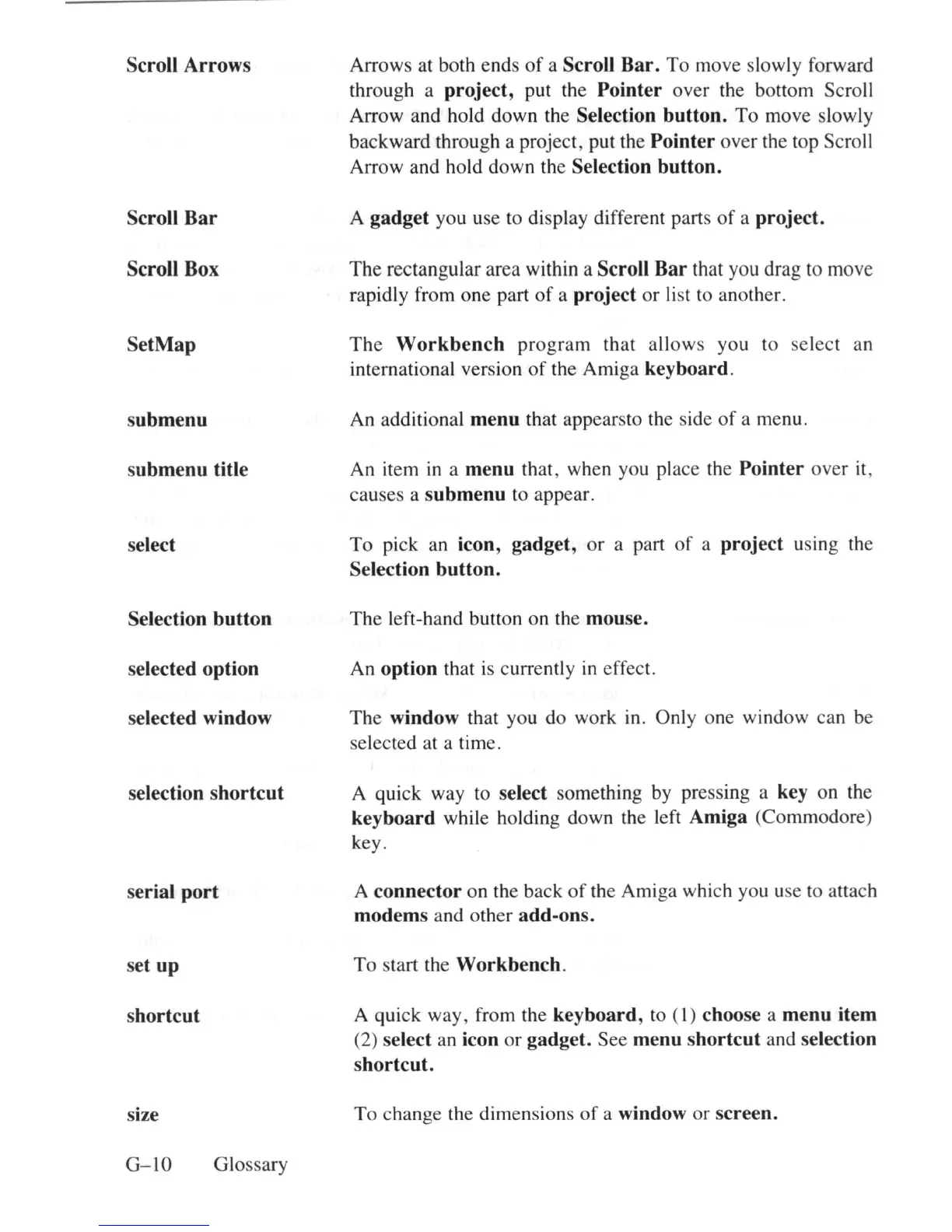
Scroll Arrows
Scroll Bar
Scroll Box
SetMap
submenu
submenu title
select
Selection button
selected option
selected window
selection shortcut
serial port
set up
shortcut
size
G-
IO
Glossary
Arrows at both ends
of
a Scroll Bar.
To
move slowly forward
through a
project, put the Pointer over the bottom Scroll
Arrow and hold
down
the Selection button.
To
move slowly
backward through a project, put the
Pointer over the top Scroll
Arrow and hold down the
Selection button.
A gadget you use to display different parts
of
a project.
The
rectangular area within a Scroll Bar that you drag to move
rapidly from one part
of
a project
or
li
st to another.
The
Workbench
program
that a
ll
ows
you to
select
an
international version
of
the Amiga keyboard.
An additional menu that appearsto the side
of
a menu.
An item
in
a menu that, when you place the Pointer over it,
causes a
submenu to appear.
To
pick an icon, gadget,
or
a part
of
a project using the
Selection button.
The
left-hand button on
th
e mouse.
An option that is currently in effect.
The
window that you do work
in
. Only one window can be
selected at a time.
A quick way to
select something by pressing a key on the
keyboard while holding down the left Amiga (Commodore)
key.
A
connector on the back
of
th
e Amiga which you use to attach
modems and other add-ons.
To
start the Workbench.
A quick way, from the keyboard, to ( I) choose a menu item
(2) select
an
icon or gadget. See menu shortcut and selection
shortcut.
To
change the dimensions
of
a window or screen.















 To Next Page