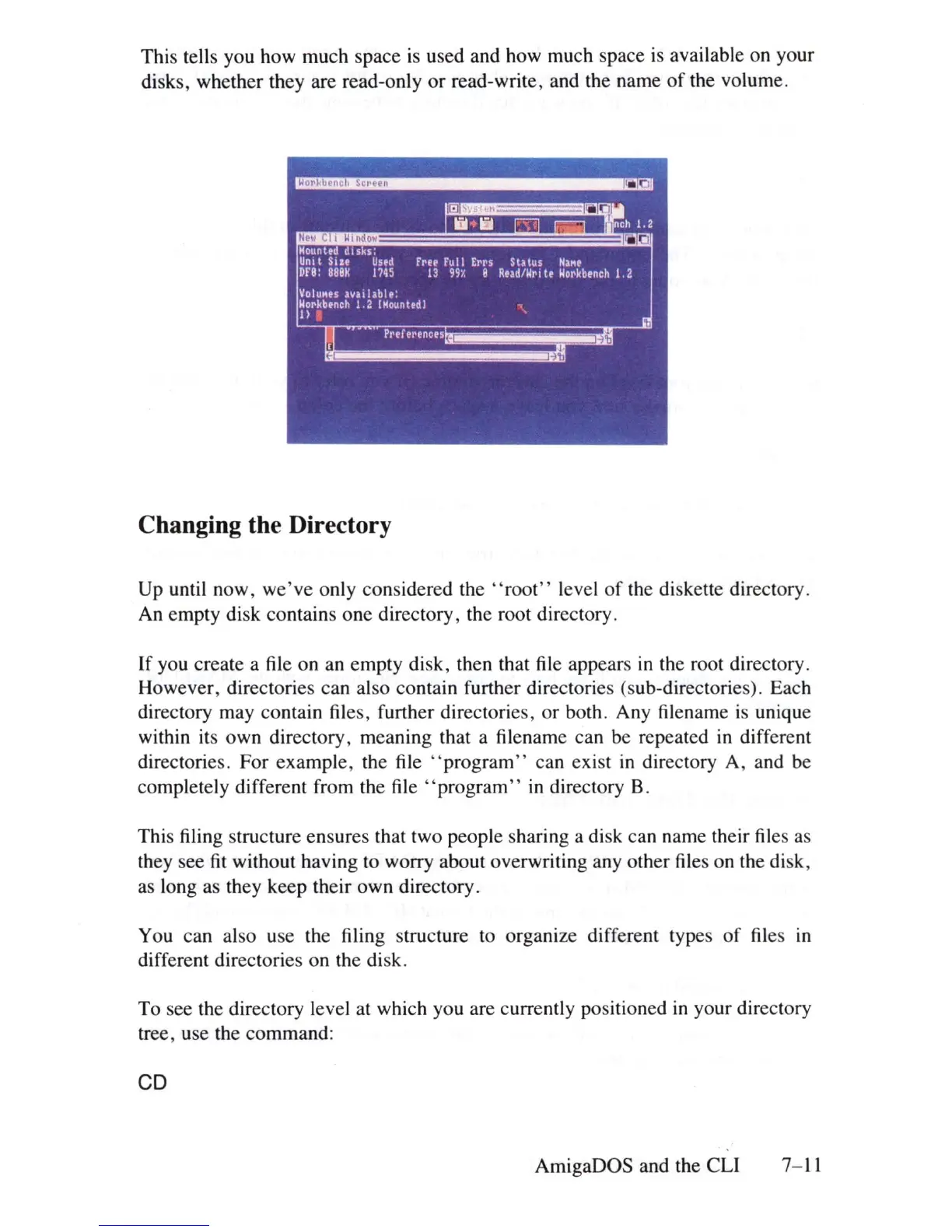
This tells you how much space
is
used and how much space
is
available on your
disks, whether they are read-only or read-write, and the name
of
the volume.
Mounttd Isks:
Unit
StU
Used
fr£'t
Full
Errs
Status
Nll'\(1
DrB:
BBBM
1145
13
991.
e Road/Writ. Horkb.nch 1.2
Volu"es
!vulable:
~~r~
b.nCh
1.2 (Mount.d)
"\
Changing the Directory
Up
until now,
we've
only considered the
"roo
t" level
of
the diskette directory.
An empty disk contains one directory, the root directory.
If
you create a file on an empty disk, then that file appears
in
the root directory.
However, directories can also contain further directories (sub-directories). Each
directory may contain files, further directories, or both. Any filename
is
unique
within its own directory, meaning that a filename can be repeated
in
different
directories. For example, the
file
"program"
can exist
in
directory A, and be
completely different from the
file
"program"
in
directory B.
This filing structure ensures that two people sharing a disk can name their files
as
they see
fit
without having to worry about overwriting any other files on the
di
sk,
as
long
as
they keep their own directory.
You can also use the filing structure to organize different types
of
files
in
different directories on the disk.
To see the directory level at which you are currently positioned
in
your directory
tree, use the command:
CD
AmigaOOS and the
eLI
7-
11















 To Next Page