In
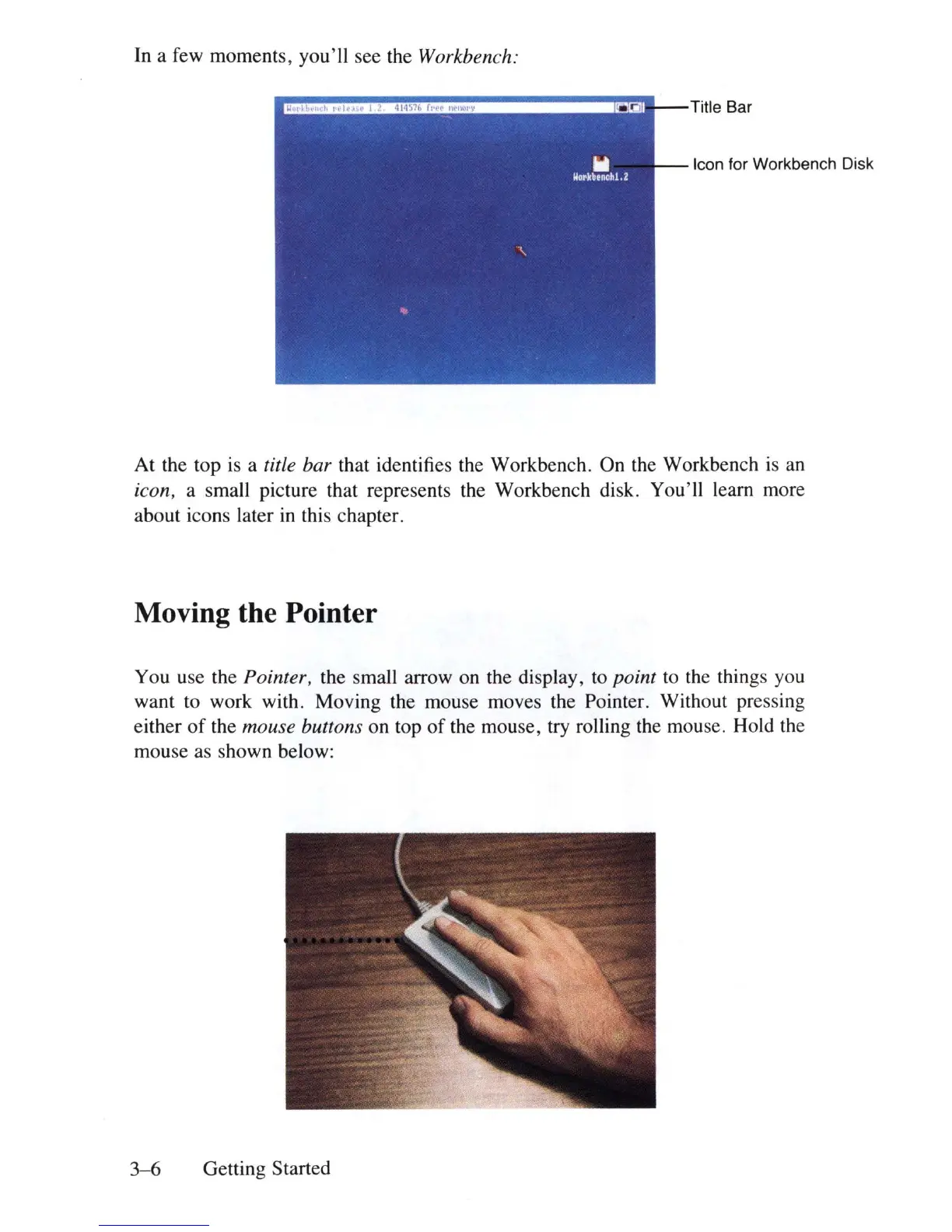
a few moments, you'll see the Workbench:
1!~~='I"'l"~~::'::":"-----"""
:rcl!I-
-Titie
Bar
Icon for Workbench Disk
At the top
is
a title bar that identifies the Workbench. On the Workbench
is
an
icon, a small picture that represents the Workbench disk. You'll learn more
about icons later
in
this chapter.
Moving the Pointer
You use the Pointer, the small arrow on the display, to point to the things you
want to work with. Moving the mouse moves the Pointer. Without pressing
either
of
the mouse buttons on top
of
the mouse, try rolling the mouse. Hold the
mouse as shown below:
3-6
Getting Started















 To Next Page