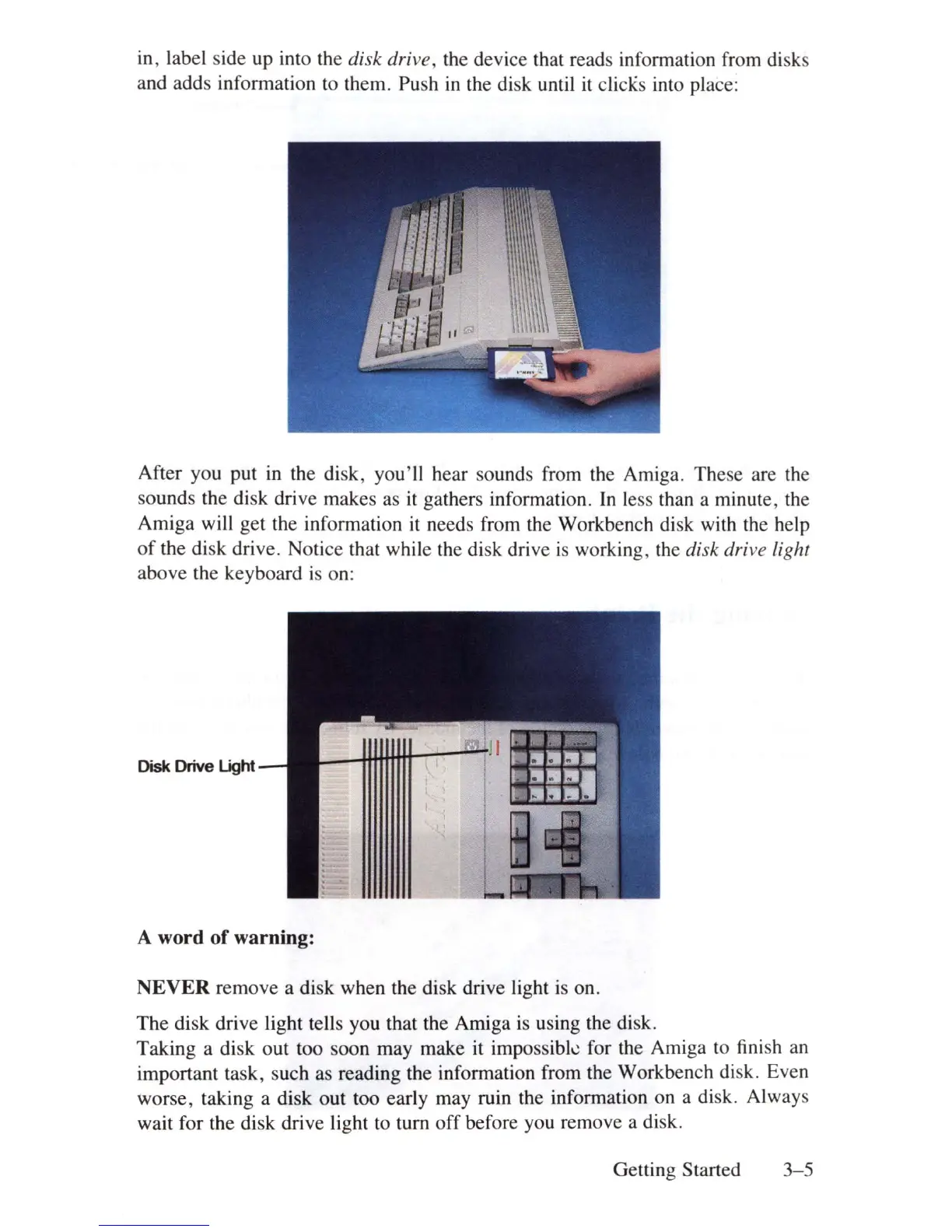
in
, label side up into the disk drive, the device that reads information from disks
and adds information to them. Push
in
the disk until
it
clicKs into place:
After you put
in
the disk, you'll hear sounds from the Amiga. These are the
sounds the disk drive makes as
it
gathers information.
In
less than a minute, the
Amiga will get the information
it
needs from the Workbench disk with the help
of
the disk drive. Notice that while the disk drive
is
working, the disk drive light
above the keyboard
is
on:
Disk Drive
Light
A word
of
warning:
NEVER
remove a disk when the disk drive light is on.
The disk drive light tells you that the Amiga
is
using the disk.
Taking a disk out too soon may make it impossibk for the Amiga to finish an
important task, such as reading the information from the Workbench disk. Even
worse, taking a disk out too early may ruin the information on a disk. Always
wait for the disk drive light to tum
off
before you remove a disk.
Getting Started
3-5















 To Next Page