Mouse Tricks
This section describes a couple helpful techniques
of
mouse manipulation that
may save you time once you get used to using Workbench.
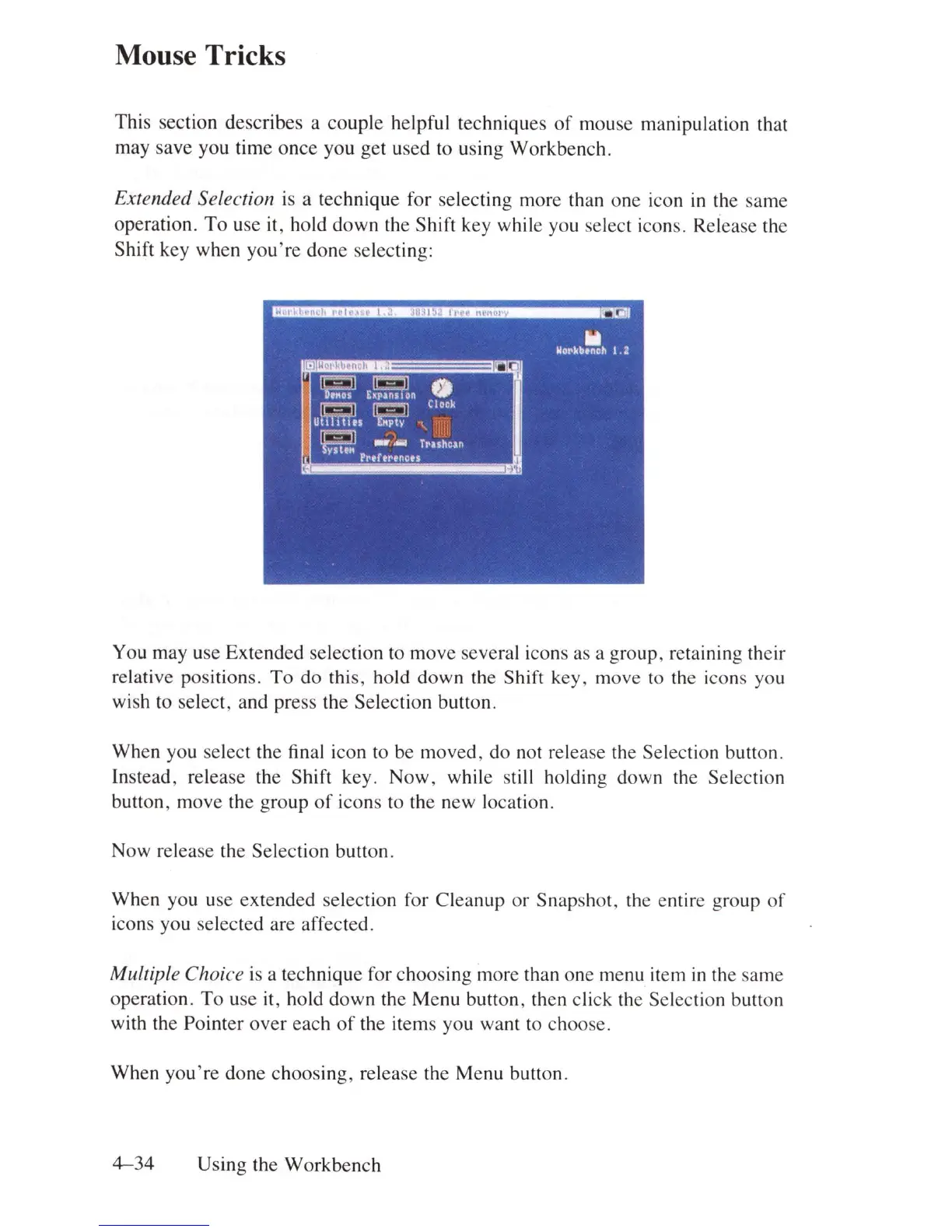
Extended Selection
is
a technique for selecting more than one icon
in
the same
operation.
To
use
it
, hold down the Shift key while you select icons. Release the
Shift key when
you're
done selecting:
You may use Extended selection to move several icons as a group, retaining their
relative positions.
To
do this, hold down the Shift key, move
to
the icons you
wish to select, and press the Selection button.
When you select the final icon to be moved, do not release the Selection button.
Instead, release the Shift key. Now, while still holding down the Selection
button, move the group
of
icons to the new location.
Now release the Selection button.
When you use
ex
tended selection for Cleanup
or
Snapshot, the entire group
of
icons you selected are affected.
Multiple Choice is a technique for choosing more than one menu item
in
th
e same
operation.
To
use it, hold down the Menu button, then click the Selection button
with the Pointer
over
each
of
the items you want to choose.
When
you're
done choosing, release the Menu button.
4-34
Using the Workbench















 To Next Page