Copying a Frame
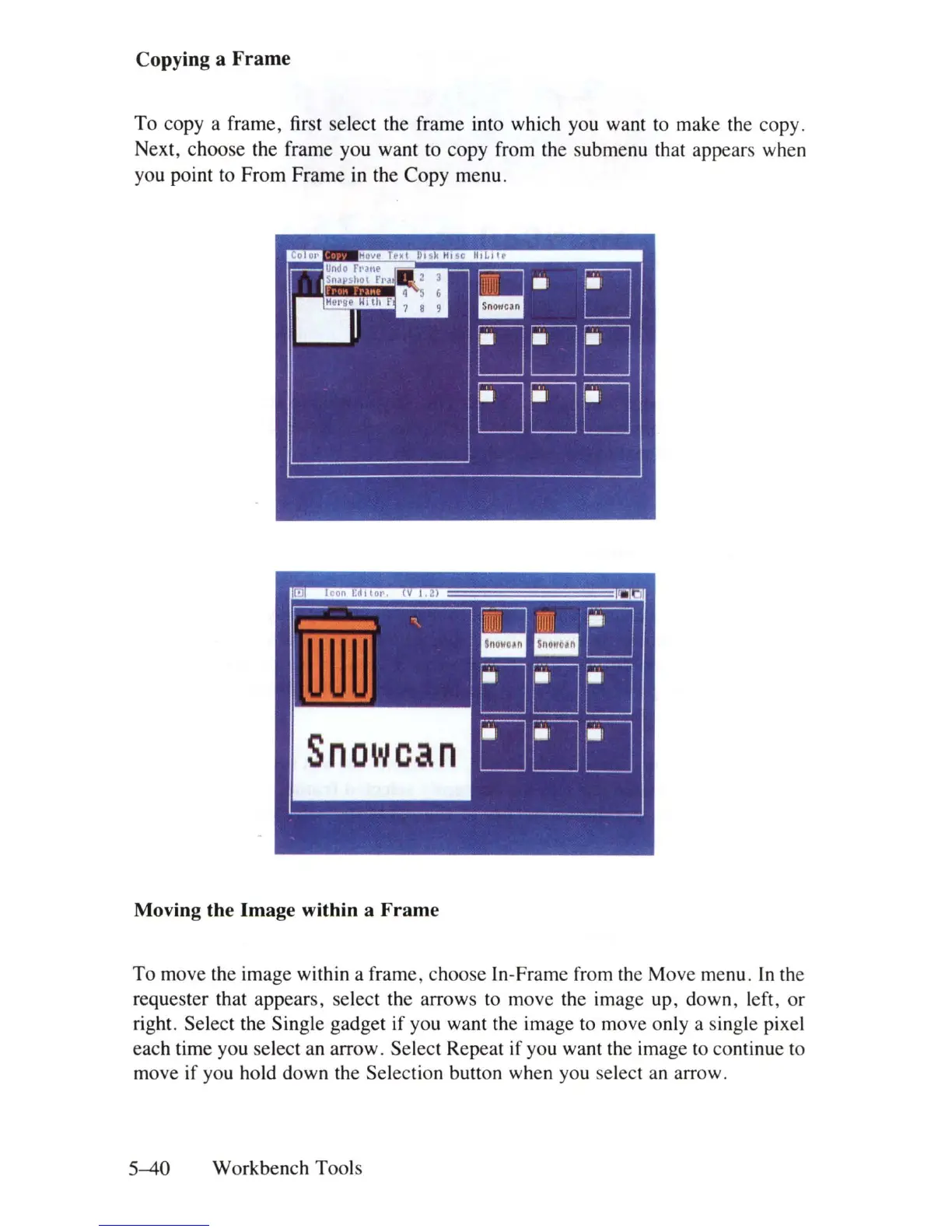
To copy a frame, first select the frame into which you want to make the copy.
Next, choose the frame you want to copy from the submenu that appears when
you point to From Frame
in
the Copy menu.
Moving the Image within a Frame
To move the image within a frame, choose In-Frame from the Move menu.
In
the
requester that appears, select the arrows to move the image up, down, left, or
right. Select the Single gadget if you want the image to move only a single pixel
each time you select an arrow. Select Repeat if you want the image to continue to
move if you hold down the Selection button when you select an arrow.
5-40
Workbench Tools















 To Next Page