Now the system clock counts
up
from this time and date. Load the clock tool
from Workbench now to check the new time setting. Remember to click
in
the
CLI window to activate
it
after you remove the clock by clicking on its quit
gadget.
Redirecting the Output
of
a Command
To
try this command, insert your Workbench disk into drive
O.
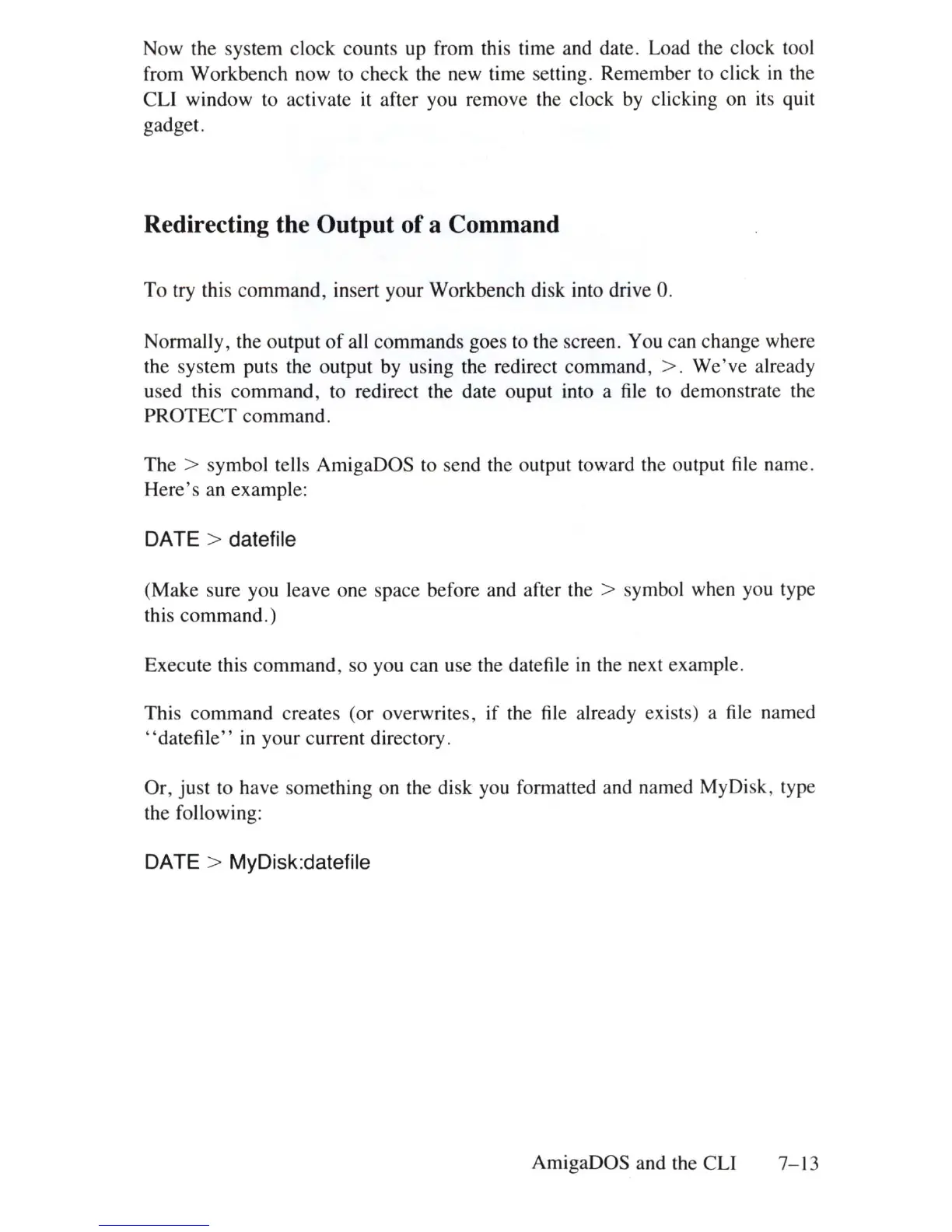
Normally, the output
of
all commands goes to the screen. You can change where
the system puts the output by using the redirect command,
>.
We've
already
used this command, to redirect the date ouput into a
file
to demonstrate the
PROTECT command.
The > symbol tells AmigaOOS to send the output toward the output
file
name.
Here's an example:
DATE > datefile
(Make sure you leave one space before and after the > symbol when you type
this command.)
Execute this command, so you can use the datefiJe
in
the next example.
This command creates (or overwrites, if the
file
already exists) a
file
named
"datefile"
in your current directory.
Or
,
just
to have something on the disk you formatted and named MyDisk, type
the following:
DATE > MyDisk:datefile
AmigaOOS and the CLI 7-
13















 To Next Page