When using cables to attach any peripherals, including printers, be sure that the
cables are shielded. Using unshielded cables can cause interference to radio and
television reception. See the statement at the end
of
Chapter 9 for more informa-
tion about how to prevent and correct interference.
Adding Memory to the Amiga
With the Amiga A50J Memory and Clock Expansion Cartridge. you can easily
add an additional
Si2K
of
random-access memory to your Amiga, along with a
battery backed-up real time clock that keeps track
of
hours, minutes, seconds,
day
of
the week, month, date and year, even while your Amiga
is
turned off. The
cartridge slides
in
the bottom
of
the Amiga and takes only seconds
to
install.
With the additional memory, you can:
• work on more than one program at a time.
• work on larger files
in
a word processor, spreadsheet or database
• save your favorite commands to a RAM disk, which you can set
up
automatically when the system
is
booted.
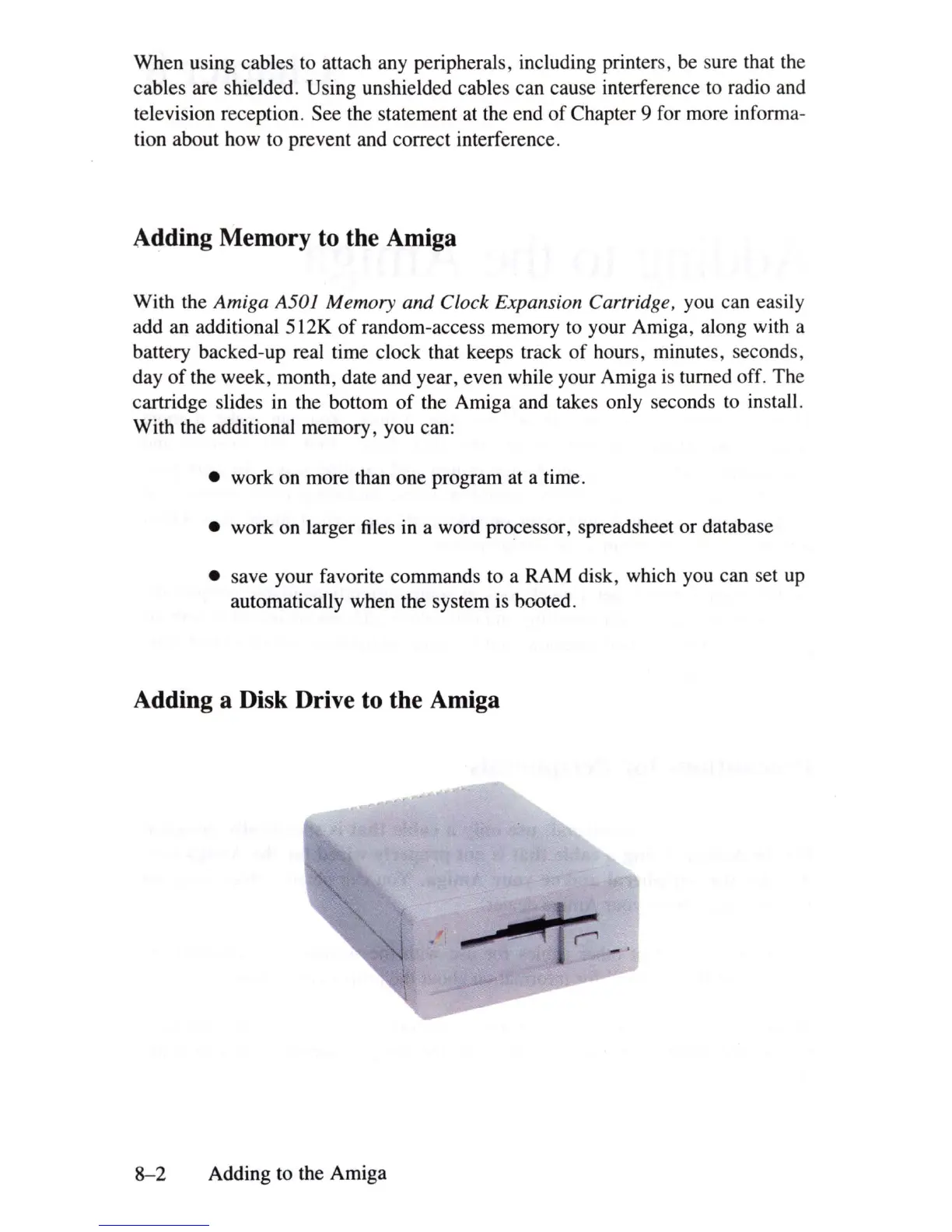
Adding a Disk Drive to the Amiga
8-2
Adding to the Amiga















 To Next Page