How the Amiga Works
The Amiga 500
is
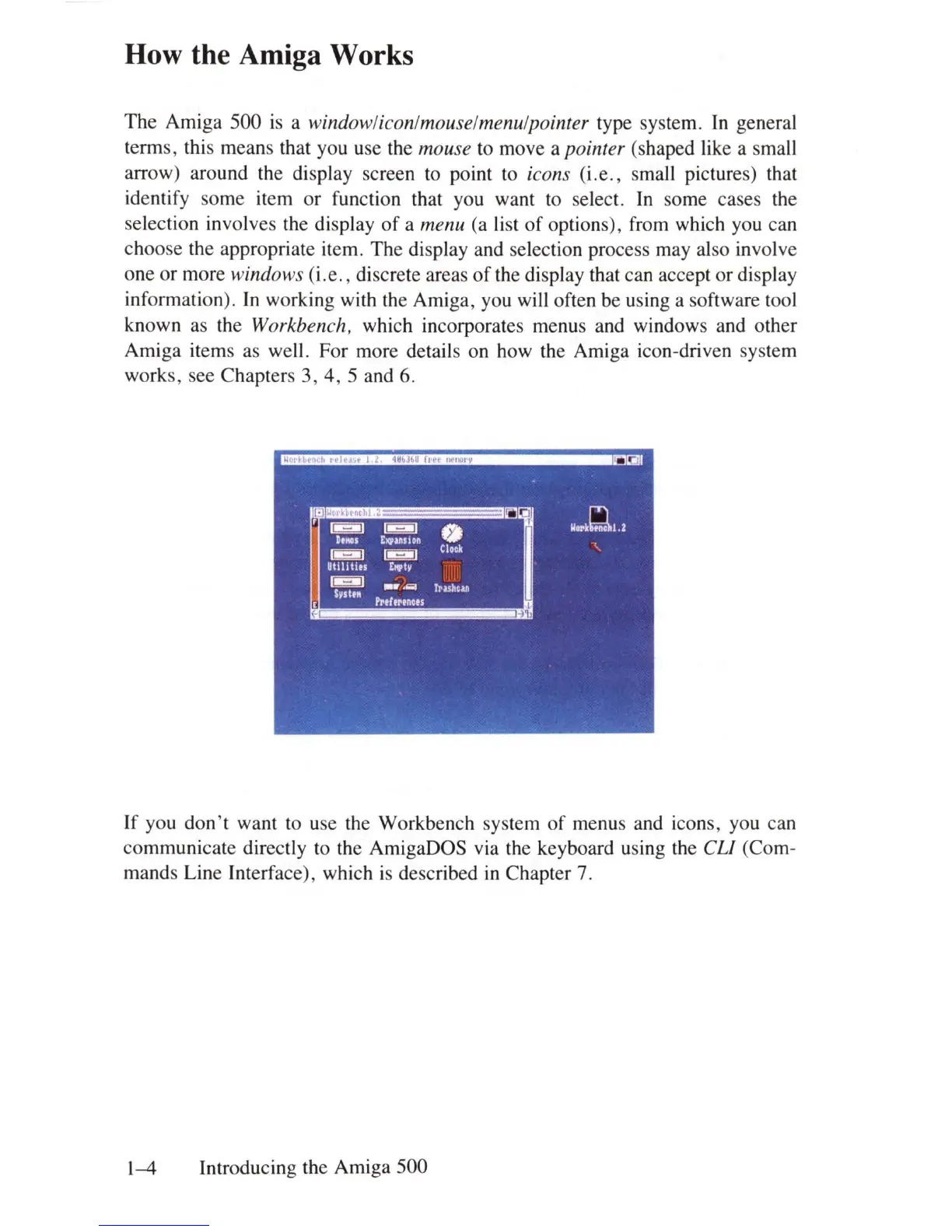
a windowliconlmouselmenulpointer type system.
In
general
terms, this means that you use the
mouse to move a pointer (shaped like a small
arrow) around the display screen to point to
icons
(i
.e
.,
small pictures) that
identify some item or function that you want to select.
In
some cases the
selection involves the display
of
a menu (a list
of
options), from which you can
choose the appropriate item. The display and selection process may also involve
one or more
windows (i .e., discrete areas
of
the display that can accept or display
information).
In
working with the Amiga, you will often be using a software tool
known as the
Workbench, which incorporates menus and windows and other
Amiga items as well . For more details on how the Amiga icon-driven system
works, see Chapters 3, 4, 5 and 6.
If you
don't
want to use the Workbench system
of
menus and icons, you can
communicate directly to the AmigaDOS via the keyboard using the
eLl
(Com-
mands Line Interface), which
is
described
in
Chapter 7.
1-4
Introducing the Amiga 500















 To Next Page