Changing the Name
of
a File
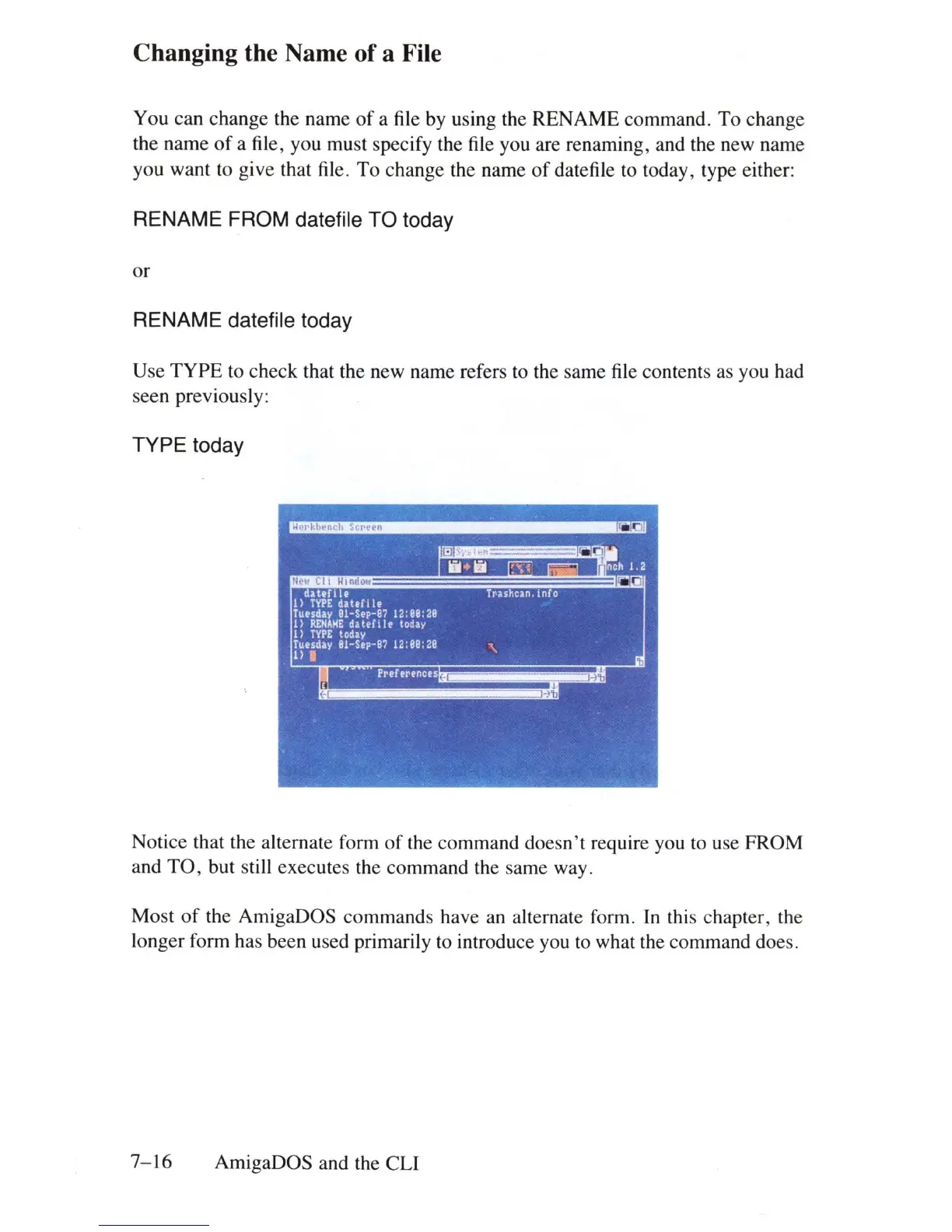
You can change the name
of
a file by using the RENAME command. To change
the name
of
a file, you must specify the file you are renaming, and the new name
you want to give that file. To change the name
of
datefile to today, type either:
RENAME FROM datefile TO today
or
RENAME datefile today
Use
TYPE
to check that the new name refers to the same file contents as you had
seen previously:
TYPE
today
dattrile
TJ'li,hcan,
in
0
I)
TVPE
dahfll.
Tu.sday OI-S.p-8? 12:88:28
1)
RENIME
dat.fll.
toda.
1)
TYPE
today
I~.
i
d'y
81-S.p-8? 12:88:28
"\
Notice that the alternate form
of
the command doesn't require you to use FROM
and
TO
, but still executes the command the same way.
Most
of
the AmigaDOS commands have an alternate form.
In
this chapter, the
longer form has been used primarily to introduce you to what the command does.
7-
16
AmigaDOS and the eLi















 To Next Page