Moving from Page to Page
There are two additional gadgets
in
the Notepad window. The gadget at the lower
left
of
the window
is
the Next Page Gadget. Select this gadget
to
display the next
page
of
your note. The gadget at the upper right
is
the Previous Page Gadget.
Select this gadget to display the previous page
of
your note. When a note
is
displayed, the page number
of
the current page appears
in
the Page Gadget.
The Notepad Menus
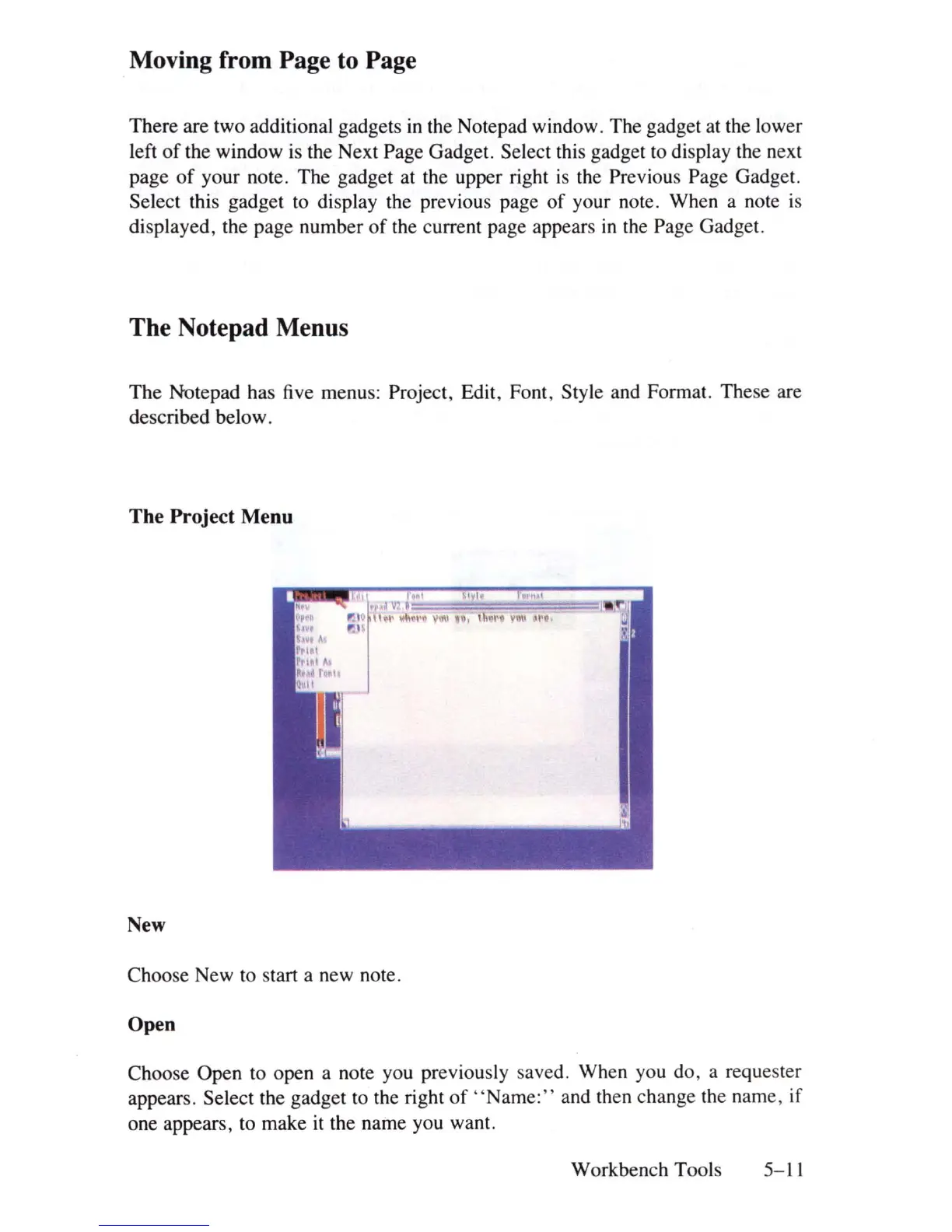
The Notepad has five menus: Project, Edit, Font, Style and Format. These are
described below.
The Project Menu
New
Choose New to start a new note.
Open
Choose Open to open a note you previous
ly
saved. When you do, a requester
appears. Select the gadget to the right
of
" N
ame:"
and then change the name, if
one appears, to make it the name you want.
Workbench Tools 5-11















 To Next Page