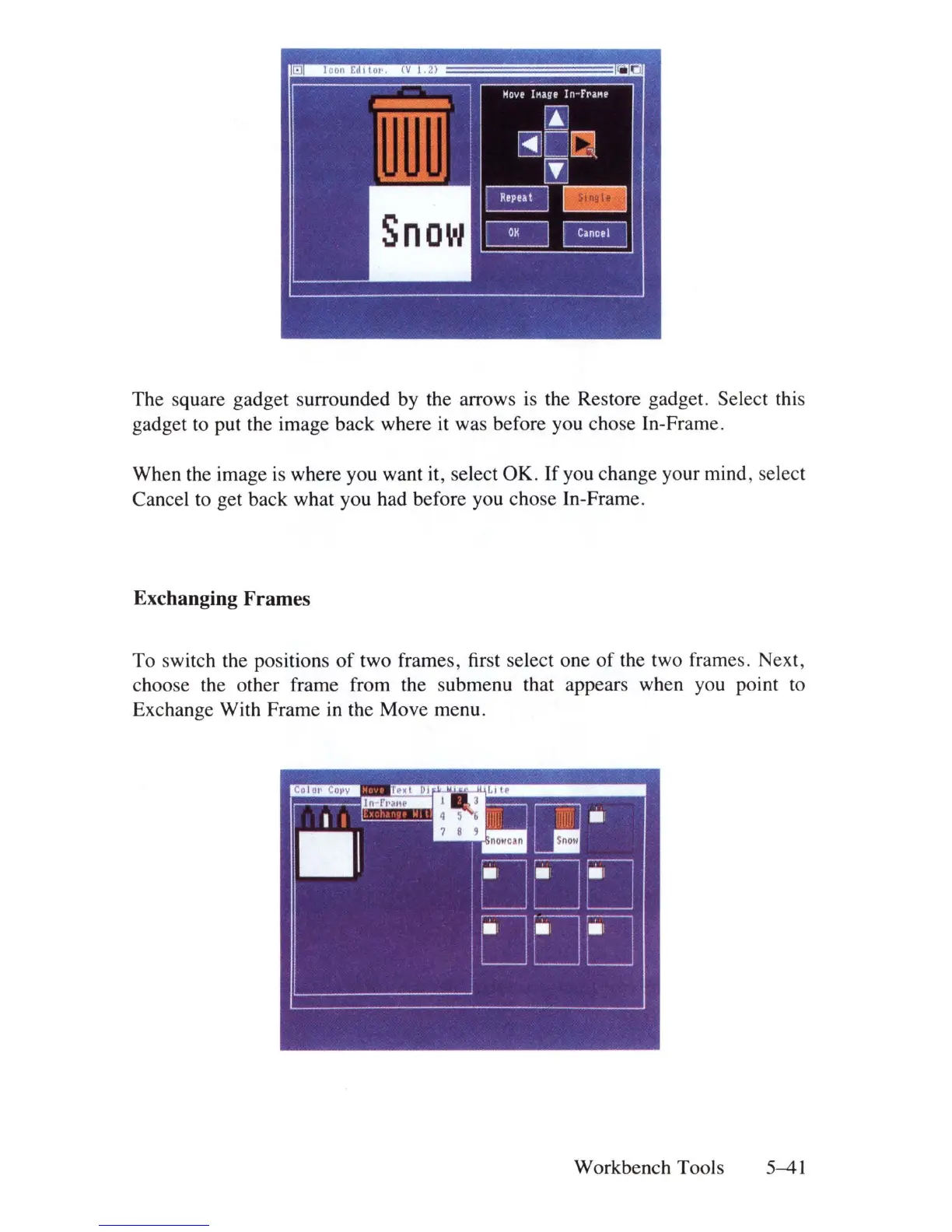
The square gadget surrounded by the arrows
is
the Restore gadget. Select this
gadget to put the image back where it was before you chose In-Frame.
When the image
is
where you want it, select OK. If you change your mind, select
Cancel
to
get back what you had before you chose In-Frame.
Exchanging Frames
To switch the positions
of
two frames, first select one of the two frames. Next,
choose the other frame from the submenu that appears when you point
to
Exchange With Frame
in
the Move menu.
Workbench Tools 5-41















 To Next Page