Loading an Icon
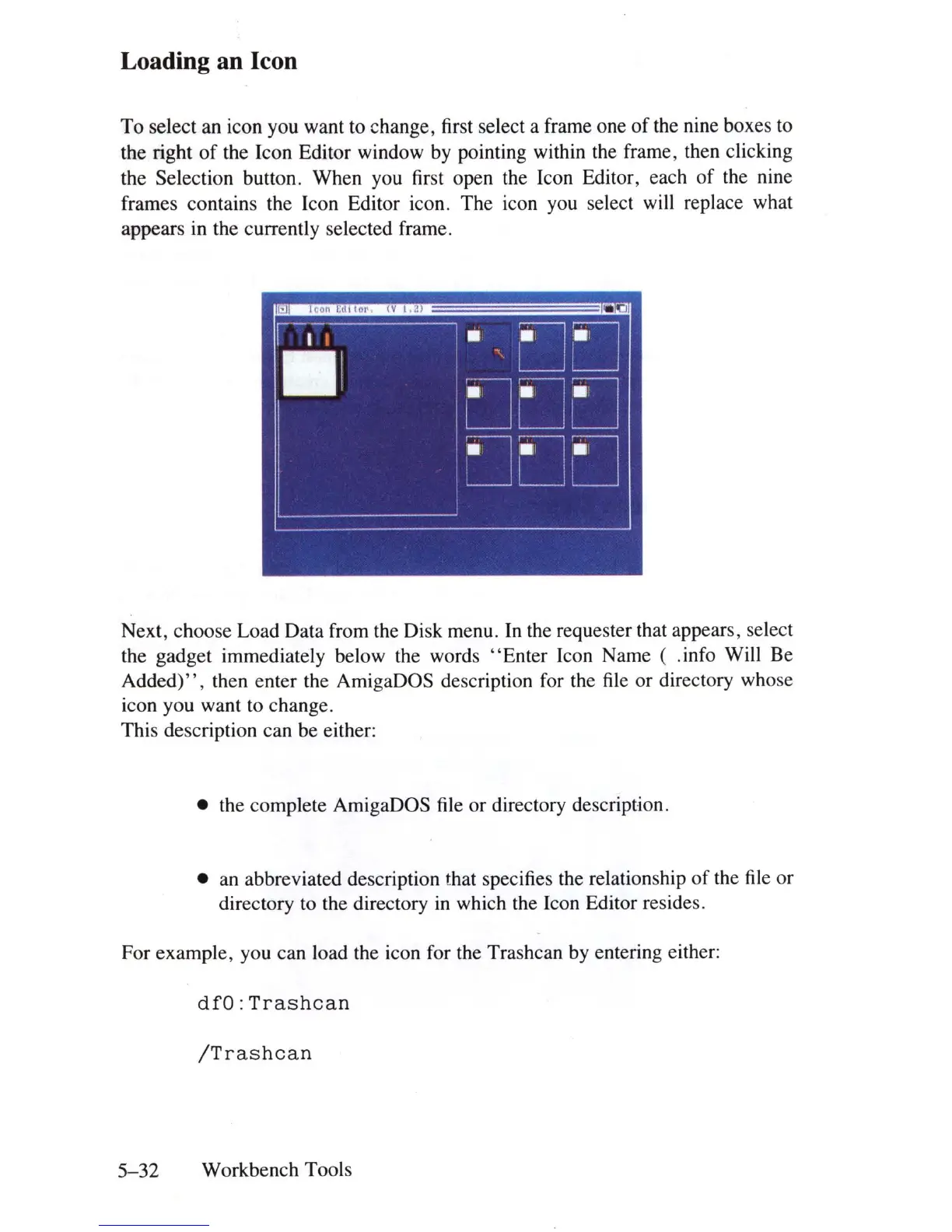
To
select an icon you want to change, first select a frame one
of
the nine boxes to
the right
of
the Icon Editor window by pointing within the frame, then clicking
the Selection button. When you first open the Icon Editor, each
of
the nine
frames contains the Icon Editor icon. The icon you select will replace what
appears in the currently selected frame.
Next, choose Load Data from the
Di
sk menu.
In
the requester that appears, select
the gadget immediately below the words
"E
nter Icon Name ( .info Will Be
Added)",
then enter the AmigaDOS description for the file or directory whose
icon you want to change.
This description can be either:
• the complete AmigaDOS file or directory description .
•
an
abbreviated description that specifies the relationship
of
the
file
or
directory to the directory
in
which the Icon Editor resides.
For example, you can load the icon for the Trashcan by entering either:
dfO:Trashcan
/Trashcan
5-32
Workbench Tools















 To Next Page