To change what appears
in
the gadget, press the Del key to delete the characters
at and to the right
of
the Text Cursor. Press the Backspace key
to
delete
characters to the left
of
the cursor. You can use the left and right cursor keys
to
move the cursor. You can erase what you've typed
in
the gadget by pressing the
Amiga key and the X key at the same time. You can get back what was
in
the
gadget before you started by pressing the Amiga key and the
Q key
at
the same
time.
When you're done, press the Return key, then select .the OK Gadget. The note
whose name you type replaces the current note.
Save
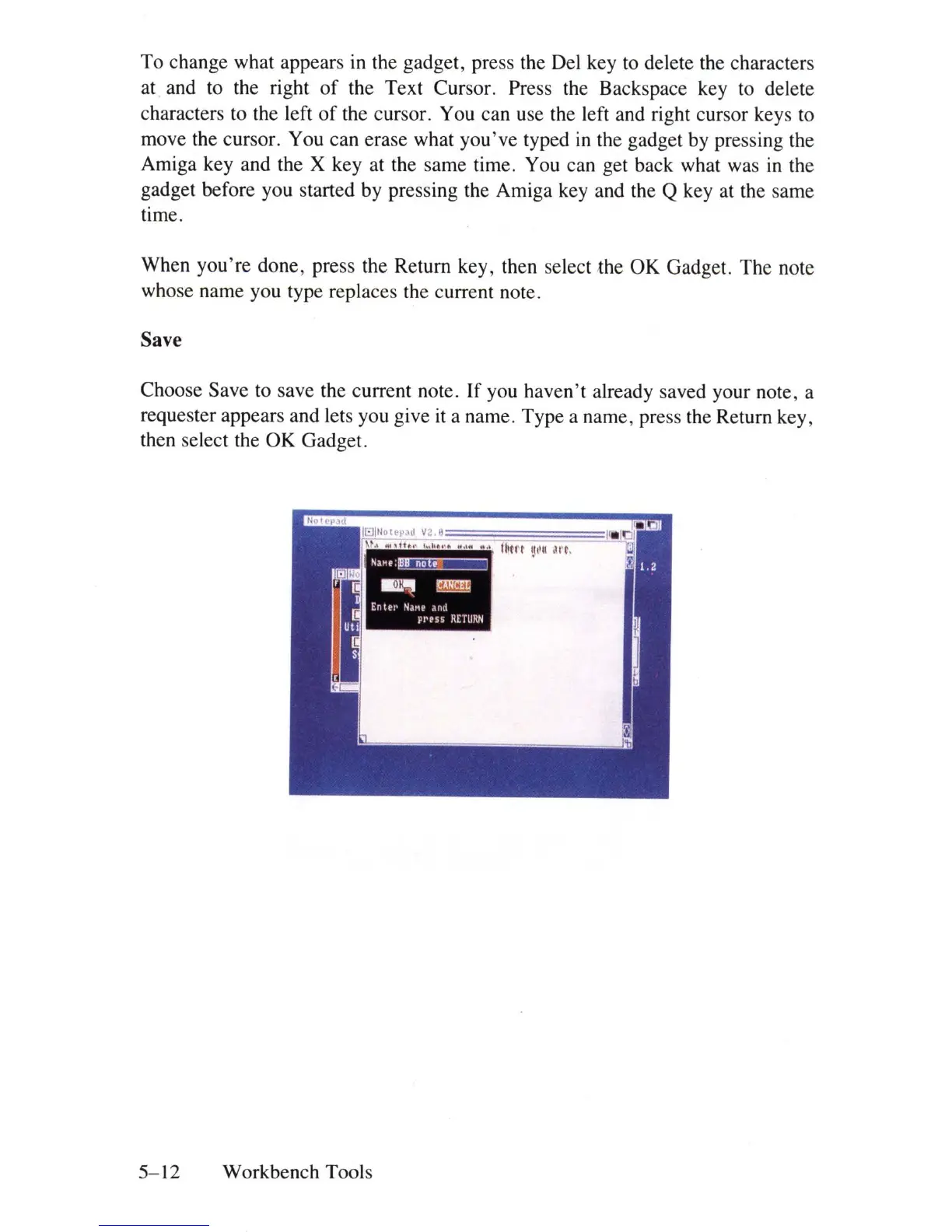
Choose Save to save the current note.
If
you haven't already saved your note, a
requester appears and lets you give
it
a name. Type a name, press the Return key,
then select the OK Gadget.
5-12
Workbench Tools















 To Next Page