Closing the Clock
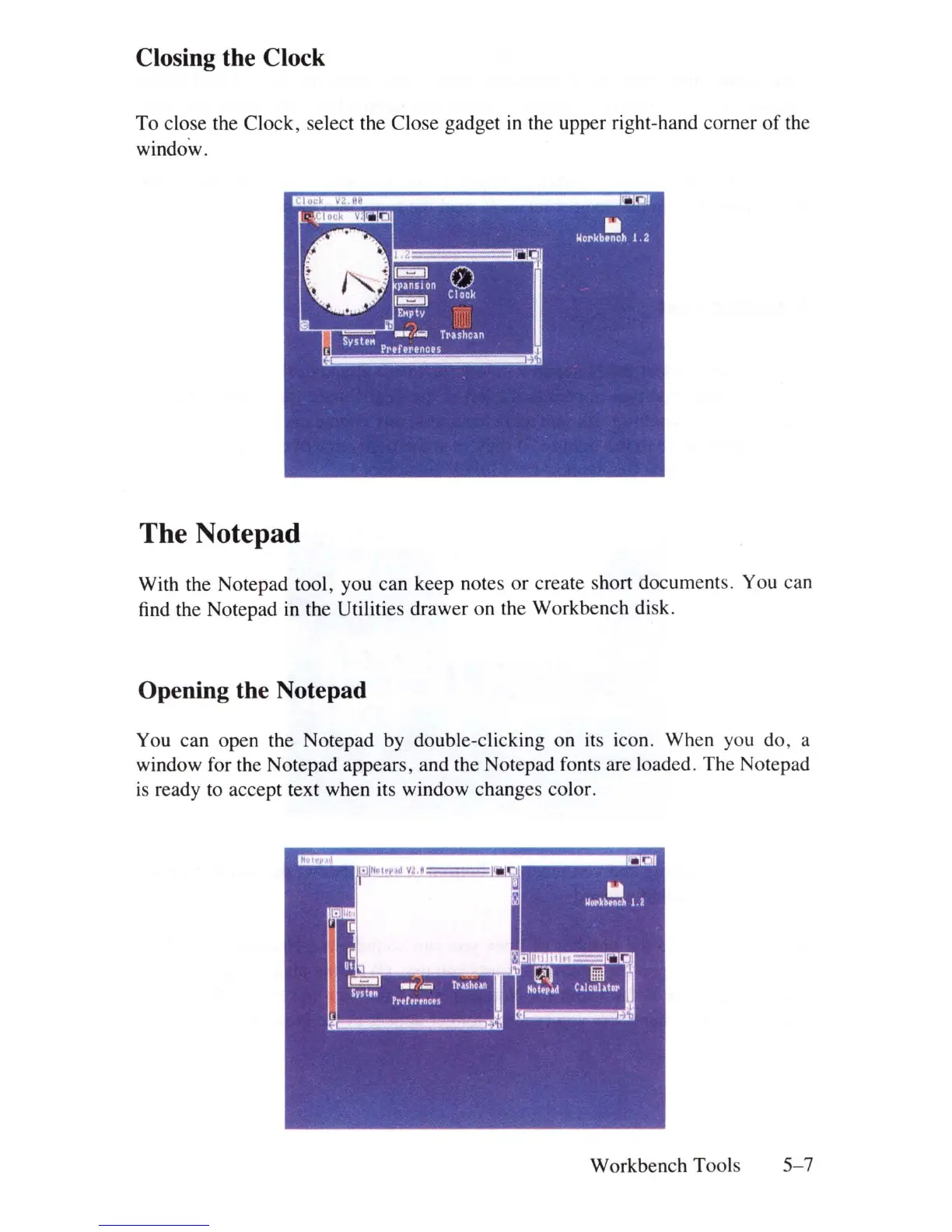
To close the Clock, select the Close gadget
in
the upper right-hand corner
of
the
window.
The Notepad
With the Notepad tool, you can keep notes
or
create short documents. You can
find the Notepad
in
the Utilities drawer on the Workbench disk.
Opening the Notepad
You can open the Notepad by double-clicking on its icon. When you do, a
window for the Notepad appears, and the Notepad fonts are loaded. The Notepad
is
ready to accept text when its window changes color.
Workbench Tools
5-7















 To Next Page