The Font Menu
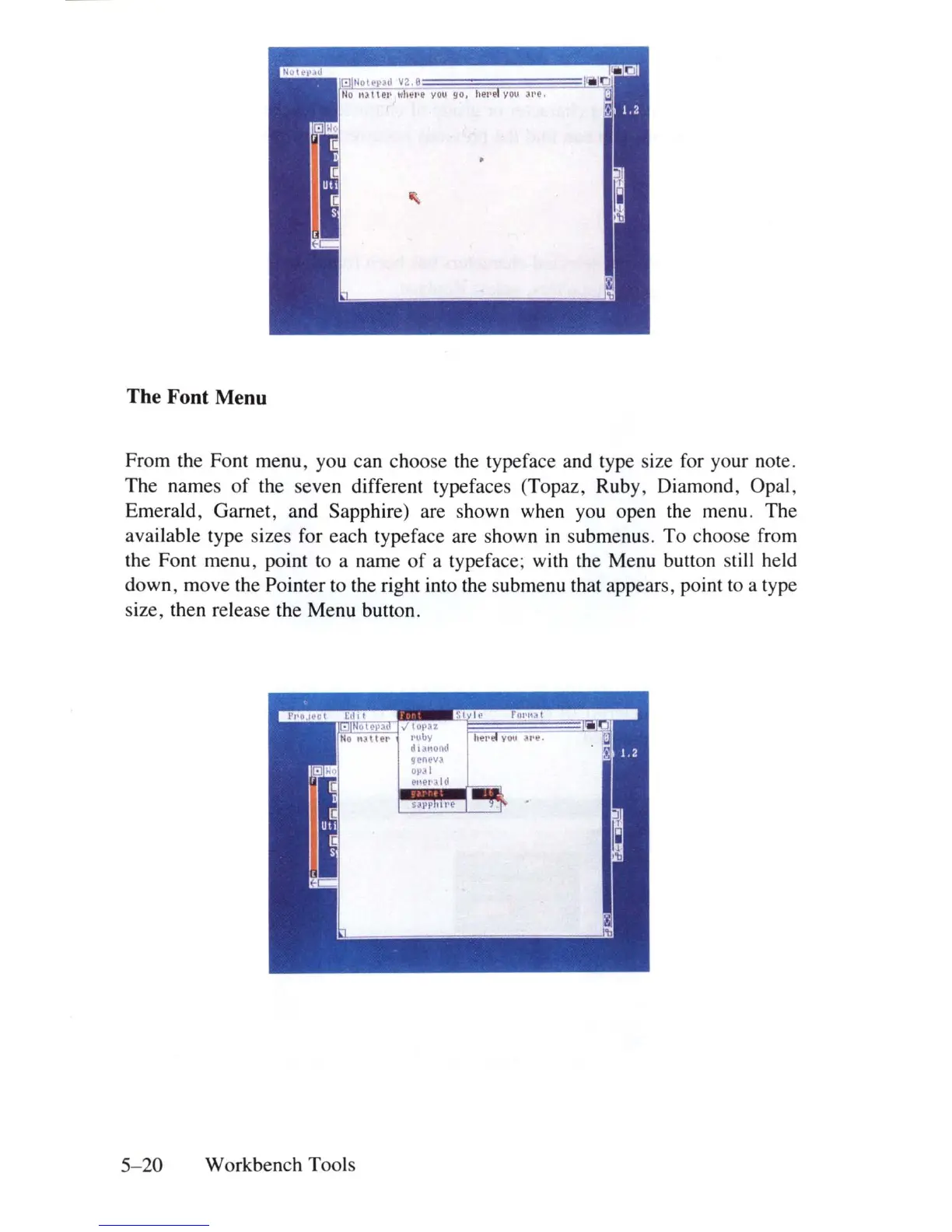
From the Font menu, you can choose the typeface and type size for your note.
The names
of
the seven different typefaces (Topaz, Ruby , Diamo
nd
, Opal,
Emerald, Garnet, and Sapphire) are shown when you open the menu. The
available type sizes for each typeface are shown
in
submenus. To choose from
the Font menu, point to a name
of
a typeface; with the Menu button still held
down, move the Pointer to the right into the subme
nu
that appears, point to a type
size, then release the Menu button.
5-20
Workbench Tools















 To Next Page