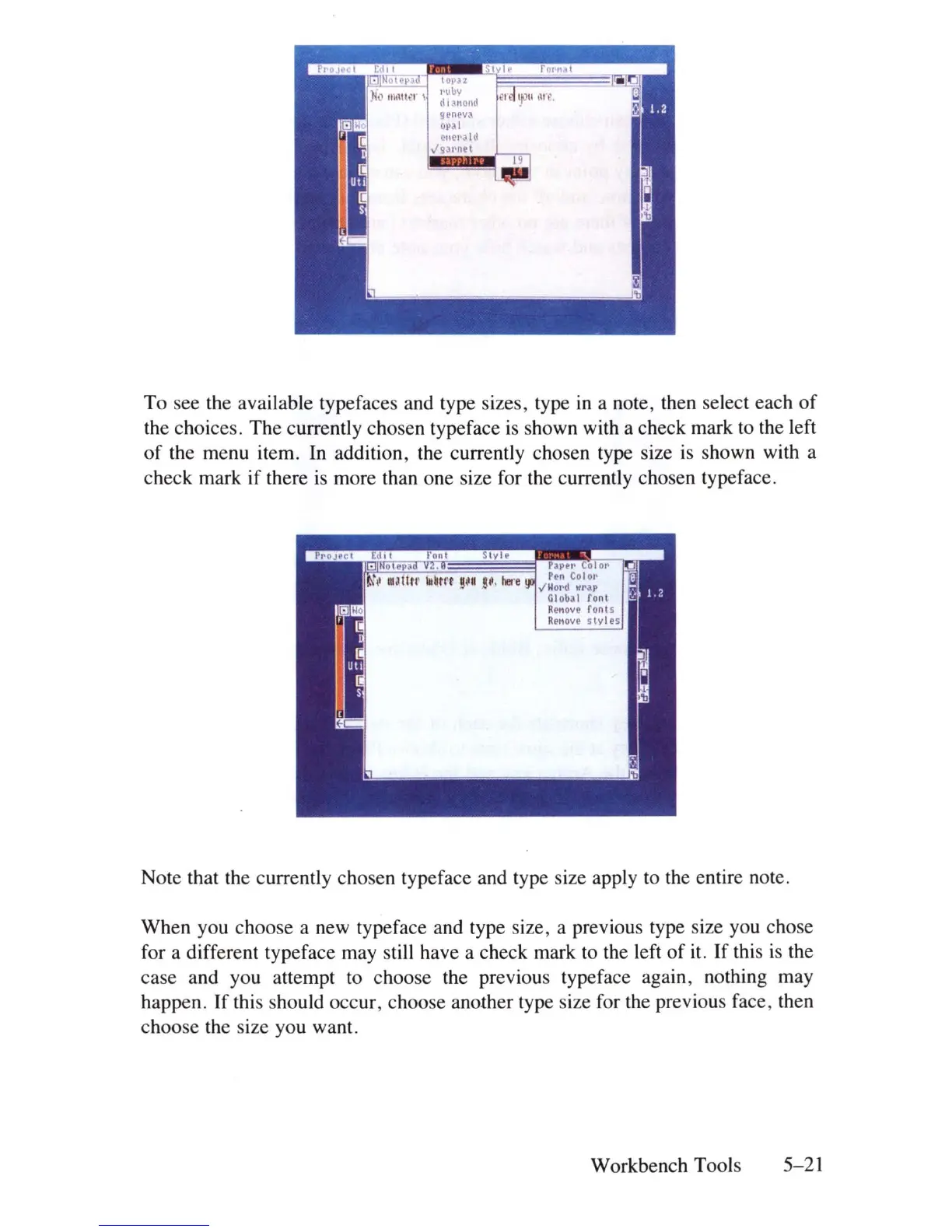
To see the available typefaces and type sizes, type
in
a note, then select each
of
the choices. The currently chosen typeface
is
shown with a check mark
to
the left
of
the menu item.
In
addition, the currently chosen type size
is
shown with a
check mark if there
is
more than one size for the currently chosen typeface.
Note that the currently chosen typeface and type size apply to the entire note.
When you choose a new typeface and type size, a previous type size you chose
for a different typeface may still have a check mark
to
the left
of
it. If this
is
the
case and you attempt to choose the previous typeface again , nothing may
happen.
If
this should occur, choose another type size for the previous face , then
choose the size you want.
Workbench Tools 5-21















 To Next Page