• a comma,
• a three-digit number specifying the height
of
the window
in
pixels.
e.g. WINDOW
= 100,070,050,090
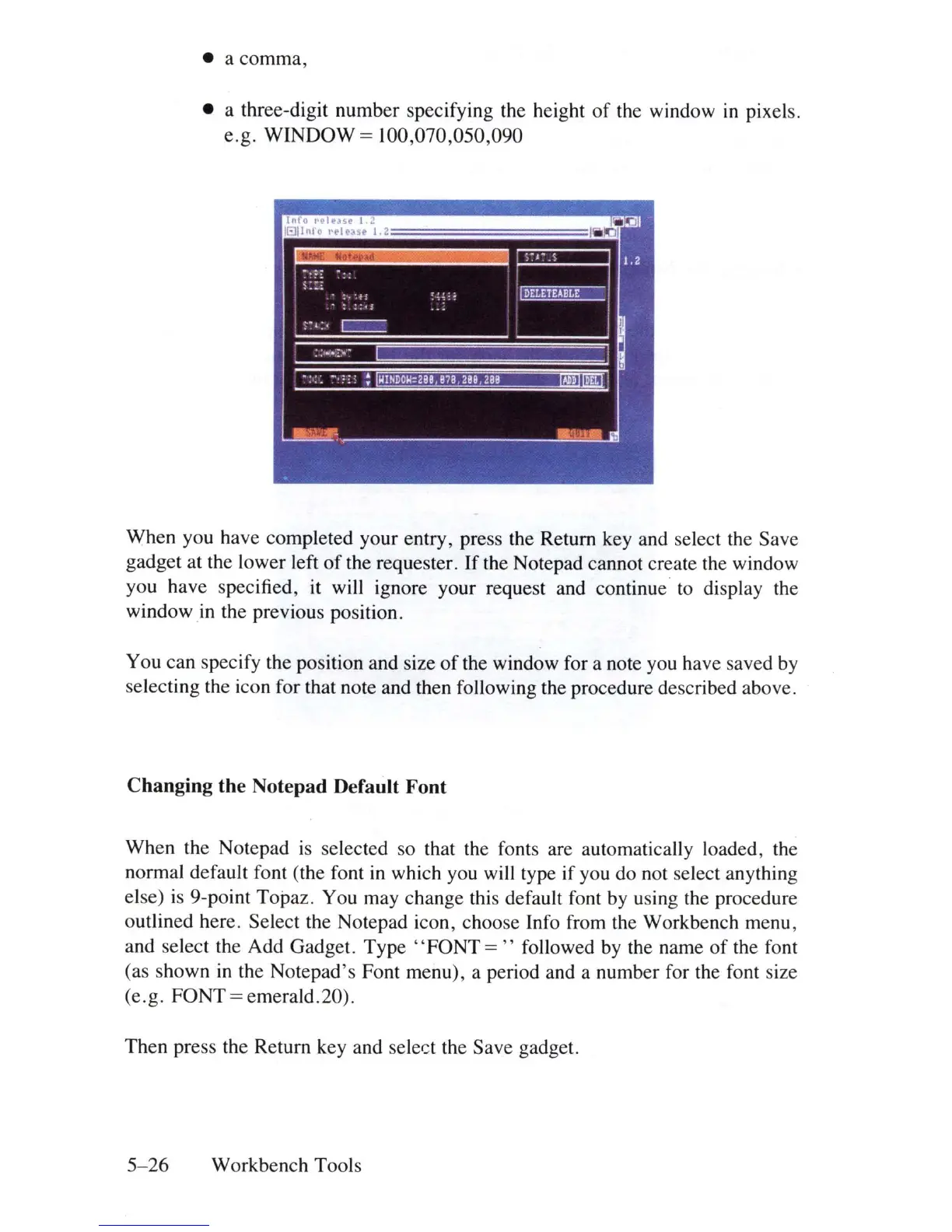
When you have completed your entry, press the Return key and select the Save
gadget at the lower left
of
the requester.
If
the Notepad cannot create the window
you have specified, it will ignore your request and continue' to display the
window
in
the previous position.
You can specify the position and size
of
the window for a note you have saved by
selecting the icon for that note and then following the procedure described above.
Changing the Notepad Default Font
When the Notepad is selected so that the fonts are automatically loaded, the
normal default font (the font
in
which you will type if you do not
se
lect anything
else)
is
9-point Topaz. You may change this default font
by
u
si
ng
the procedure
outlined here. Select the Notepad icon, choose Info from the Workbench menu,
and select the Add Gadget.
Type"
FONT
="
followed
by
the name
of
the font
(as shown
in
the Notepad's Font menu), a period and a number for the font size
(e.g. FONT
= emerald.20).
Then press the Return key and select the Save gadget.
5-26
Workbench Tools















 To Next Page