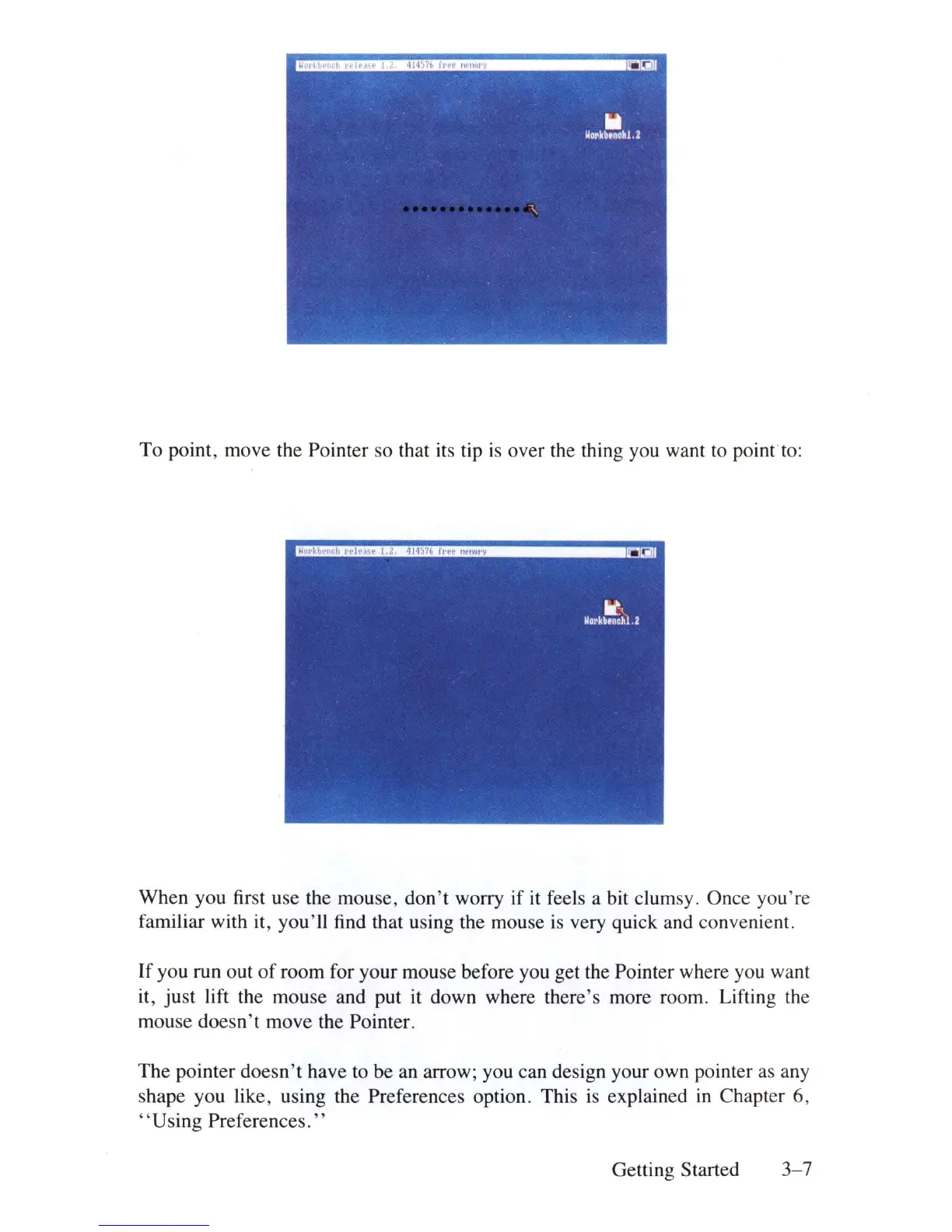
To point, move the Pointer so that its tip
is
over the thing you want to
point
to
:
When you first use the mouse,
don't
worry if
it
feels a bit clumsy. Once you'
re
familiar with
it
, you'll find that using the mouse
is
very quick and convenient.
If
you run out
of
room for your mouse before you get the Pointer where you want
it, just lift the mouse and put
it
down where there's more room. Lifting the
mouse doesn't move the Pointer.
The pointer doesn't have to be an arrow; you can design your own pointer
as
any
shape you like, using the Preferences option. This
is
explained
in
Chapter 6,
"Using
Preferences."
Getting Started
3-7















 To Next Page