Select the icon for the Workbench disk
if it
isn
't already se-
lected. Press the mouse button
only once.
Hold down the Menu button (the right button
on
the mouse).
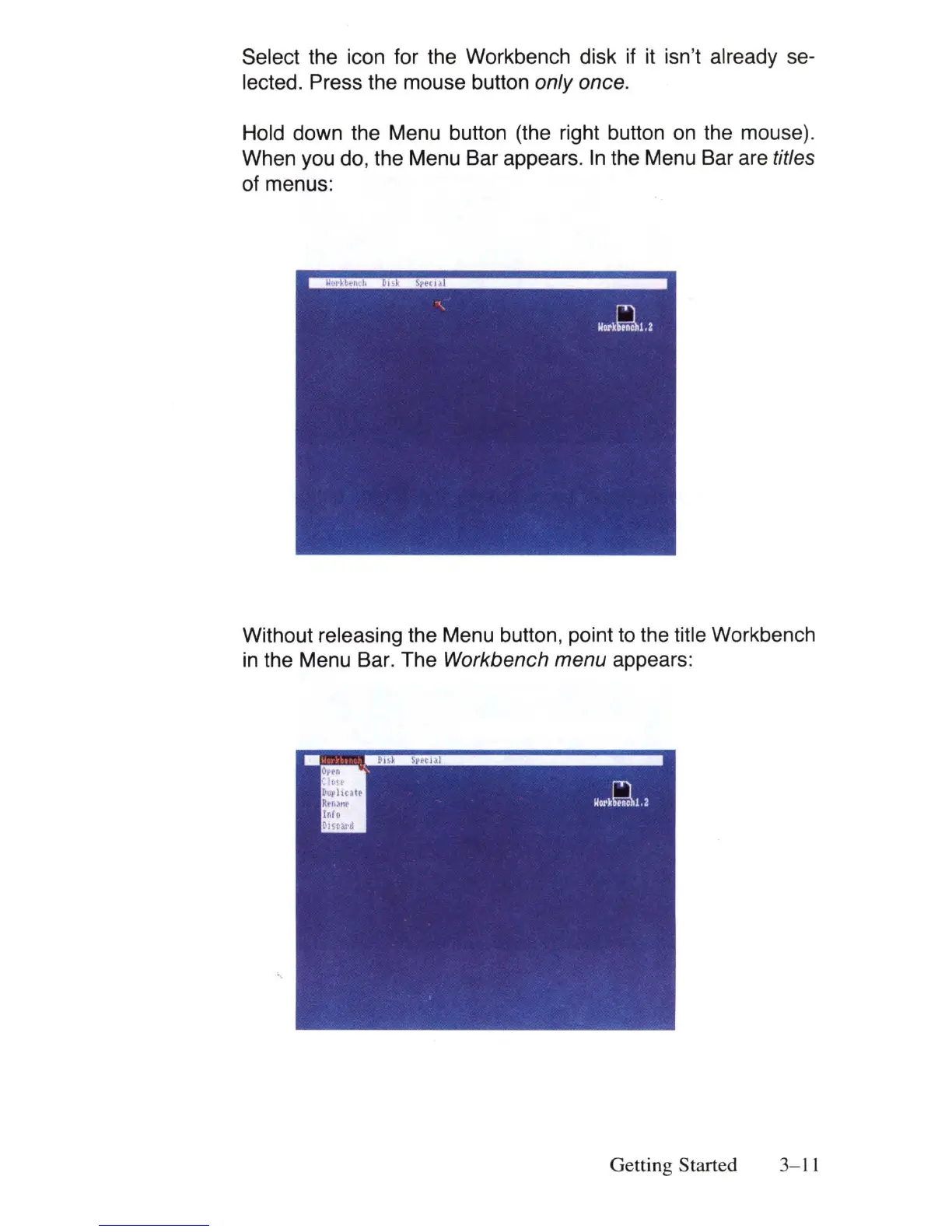
When you do, the Menu Bar appears.
In
the Menu Bar are titles
of menus:
Without releasing the Menu button, point to the title Workbench
in
the Menu Bar. The Workbench menu appears:
Getting Started
3-
11















 To Next Page