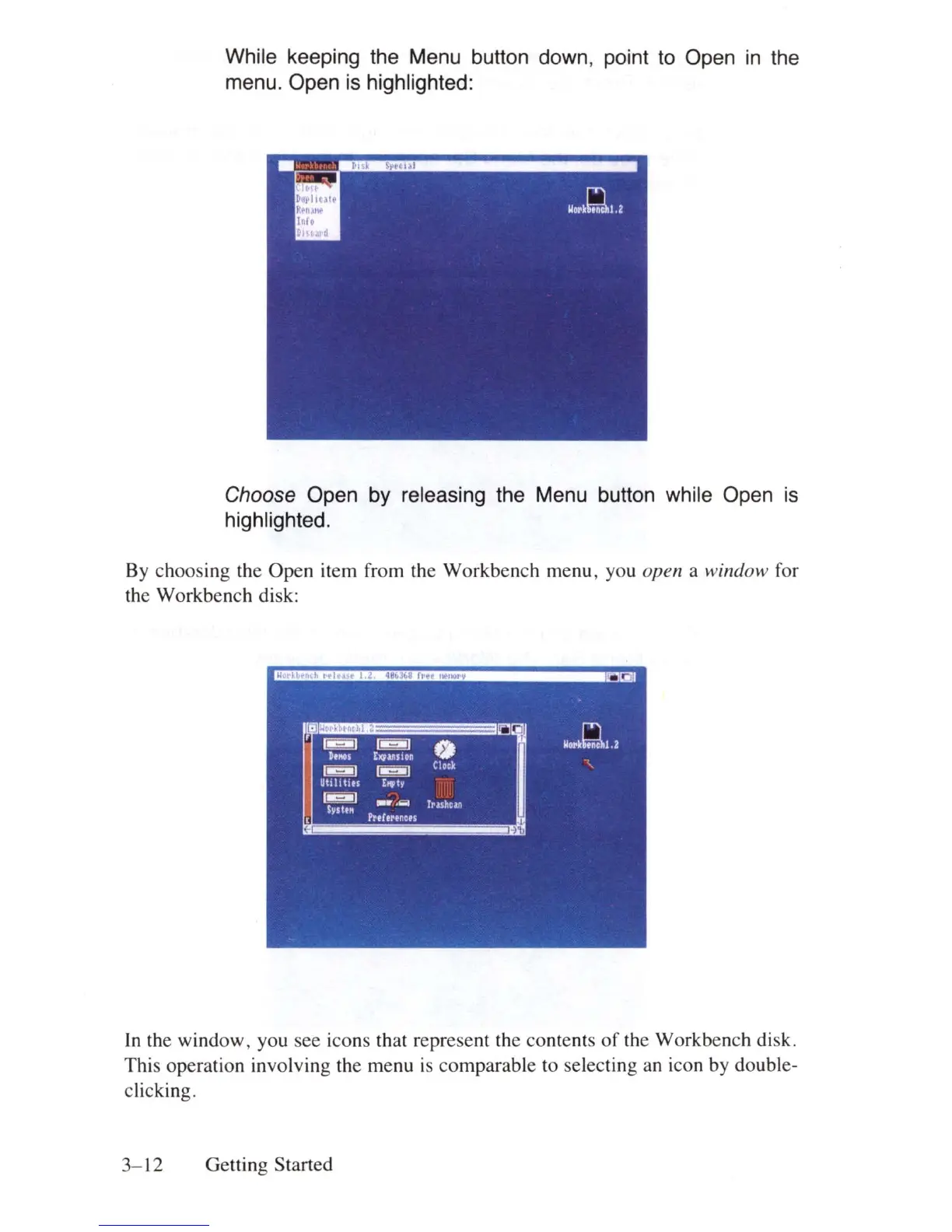
While keeping the Menu button down, point
to
Open
in
the
menu. Open
is
highlighted:
Choose Open by releasing the Menu button while Open
is
highlighted.
By choosing the Open item from the Workbench menu, you open a window for
the Workbench disk:
In
the window, you see icons that represent the contents
of
the Workbench disk.
This operation involving the menu
is
comparab
le to selecting
an
icon by double-
clicking.
3-
12
Getting Started















 To Next Page