One example
of
a project
is
a note you write with the Notepad, a tool that
is
included on your Workbench disk. Notepad
is
reviewed later
in
the next chapter
on Workbench tools, but to give you some experience with projects, let's use
it
now. All the Workbench operations are explained thoroughly following this
example, but let's try creating a project just
to
get you started really using
Workbench. Here
's
how to write a note:
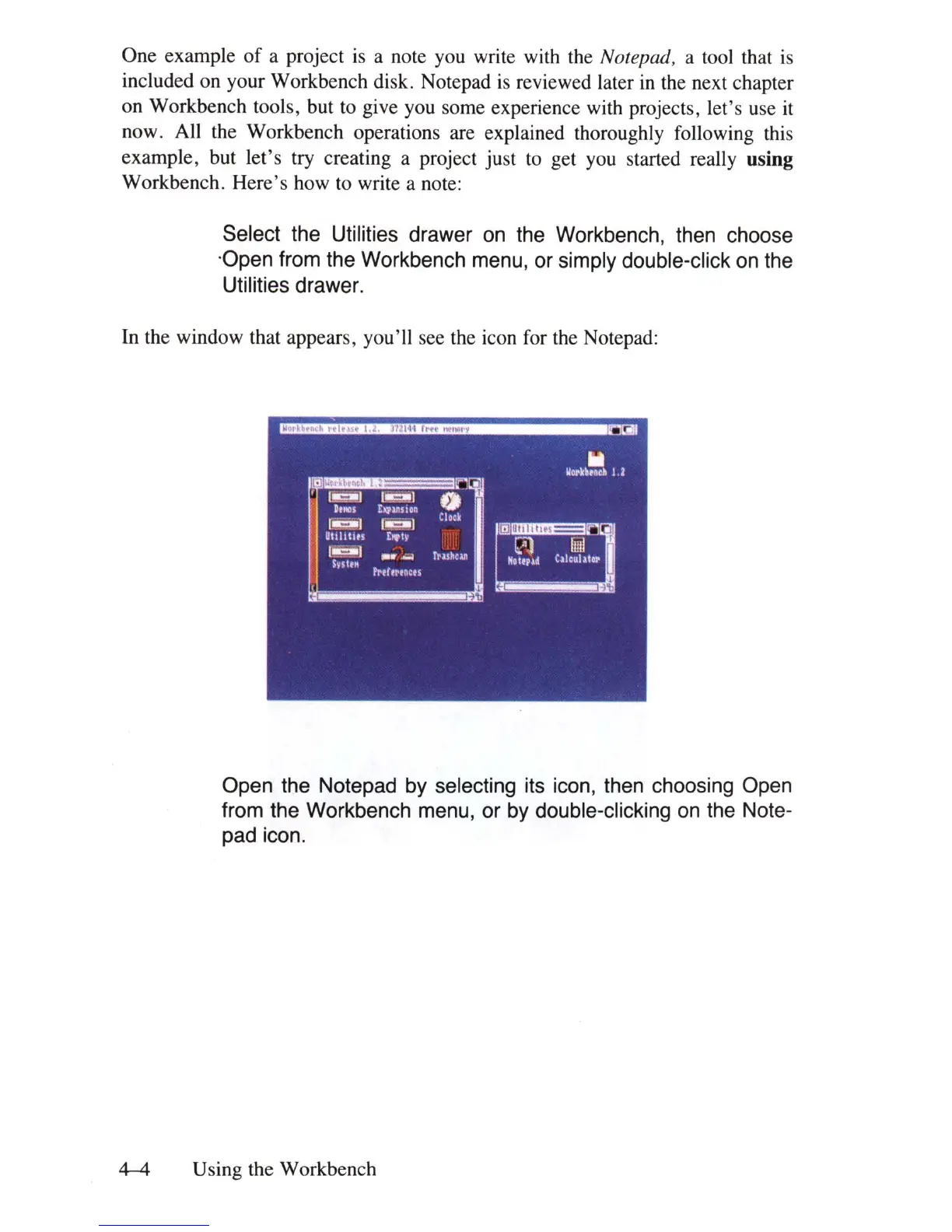
Select the Utilities drawer
on
the Workbench, then choose
'Open from the Workbench menu, or simply double-click
on
the
Utilities drawer.
In the window that appears, you'll see the icon for the Notepad:
Open the Notepad
by
selecting its icon, then choosing Open
from the Workbench menu, or
by
double-clicking
on
the Note-
pad icon.
4-4
Using the Workbench















 To Next Page