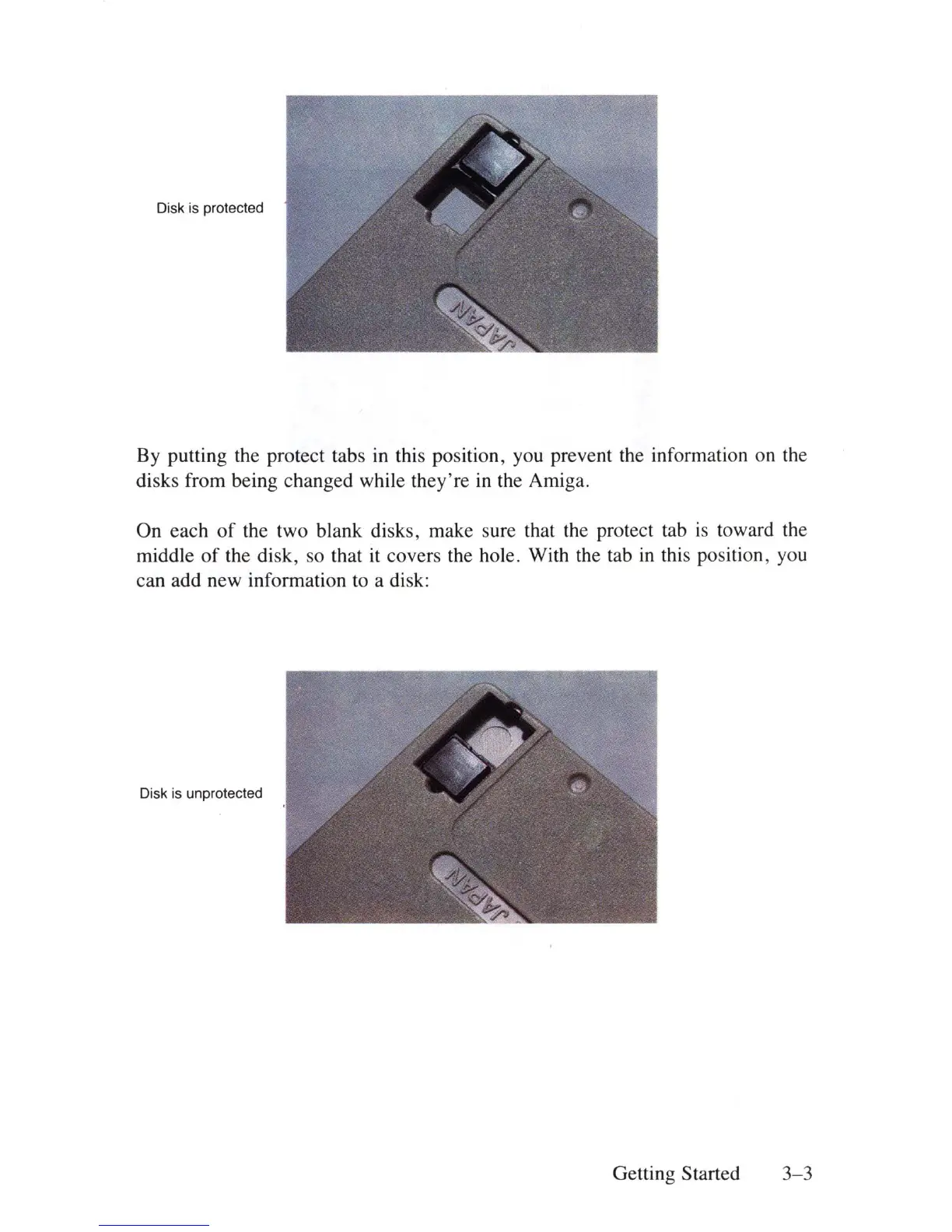
Disk is protected
By putting the protect tabs
in
this position, you prevent the infonnation on the
disks from being changed while they're
in
the Amiga.
On each
of
the two blank disks , make sure that the protect tab
is
toward the
middle
of
the disk, so that
it
covers the hole. With the tab
in
this position, you
can add new infonnation to a disk:
Disk is unprotected
Getting Started 3- 3















 To Next Page