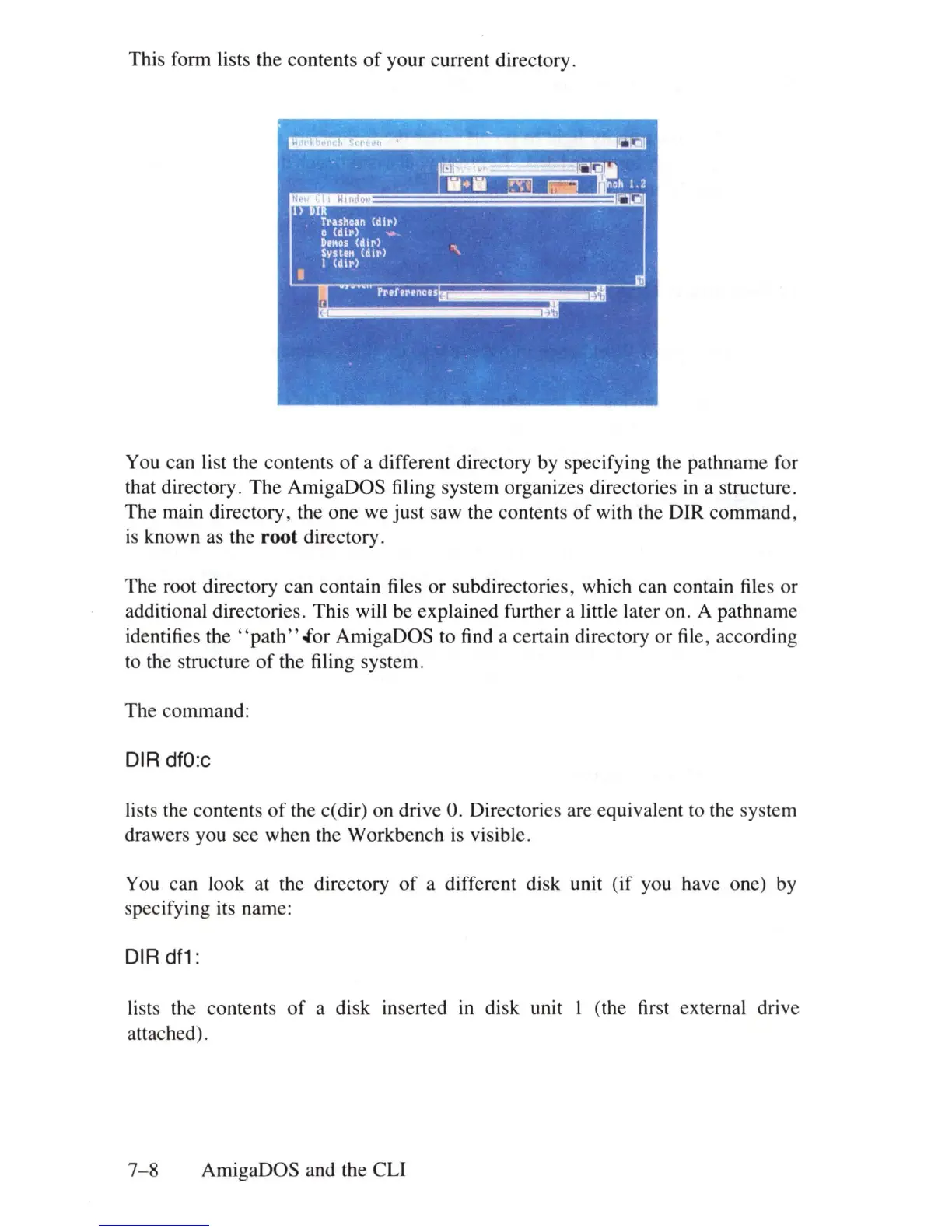
This form lists the contents
of
your current directory.
You can list the contents
of
a different directory by specifying the path name for
that directory. The AmigaDOS filing system organizes directories
in
a structure.
The main directory, the one we just saw the contents
of
with the DIR command,
is
known as the
root
directory.
The root directory can contain files
or
subdirectories, which can contain files or
additional directories. This will be explained further a little later on. A pathname
identifies
the'
'path" .for AmigaDOS to find a certain directory or file, according
to the structure
of
the filing system.
The command:
DIR dfO:c
li
s
ts
the contents
of
the c(dir) on drive
O.
Directories are equivalent to the system
drawers you see when the Workbench
is
visible.
You can look at the directory
of
a different disk unit (if you have one)
by
specifying its name:
DIR
df1
:
lists the contents
of
a disk inserted
in
disk unit I (the first external drive
attached).
7- 8 AmigaDOS and the
eLi















 To Next Page